10 teams, 3 programs, and 7 years: Efficiently managing 3D assets in defense training
This guest post comes from Daniel Starkey, Marketing Director, and John Thornton, Systems Architect, at i3 Corps. They build virtual training and engineering productivity tools for US government customers, and here Daniel and John explain what a decade of military digital twins does to a 3D asset pipeline.
i3 Corps builds virtual training and engineering productivity tools for government customers. Over the years we have developed hundreds of training scenarios in Unity, covering most of the aviation training we support, along with Navy platforms and ground vehicles. Those applications reach classrooms on military installations across the country through a government-owned distribution platform we built, running in a secure government cloud.
The applications are the visible part. The hard part sits underneath them, in the 3D library, and almost none of the standard advice about asset pipelines carries through.
A model that outlives the program that bought it
In most 3D work, an asset is finished when the product ships.
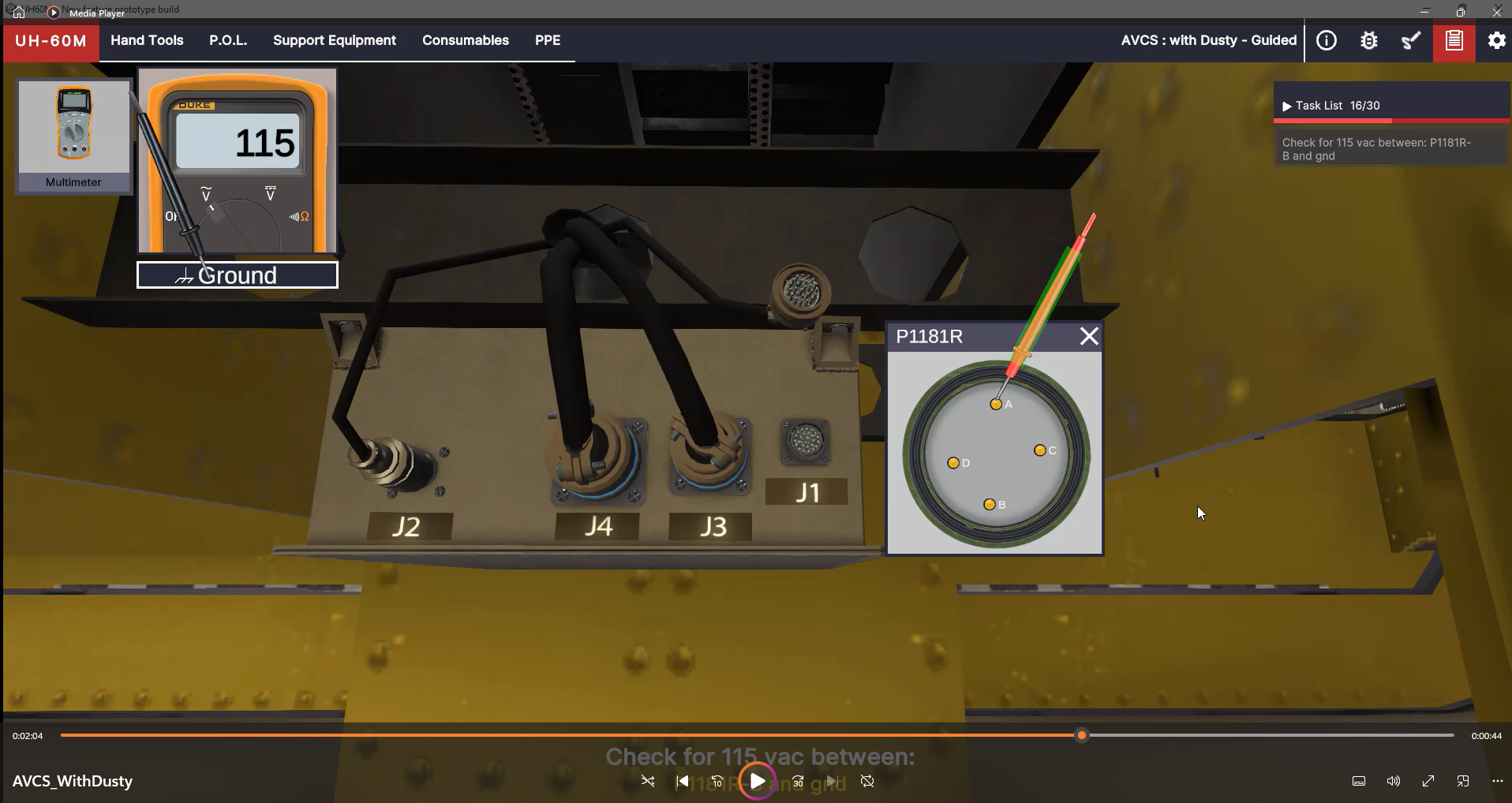
Our models are digital twins of physical equipment, and the physical equipment keeps changing. A new component enters service. A manufacturer revises a part. A customer sends a fresh CAD package, and the model has to absorb it. One of our aircraft models runs to 80,000 components, down to the nuts and bolts. We add ten to fifteen new models a year, and each one starts a maintenance relationship that can run eight or nine years.
That creates a problem most pipelines never have to solve. When new engineering data arrives, someone has to work out what it changes. Which parts does it supersede? Which existing model does it update? Which of the applications already in classrooms depend on that model, and what happens to them?
The reference data compounds the same way. Our models are built from CAD packages from different sources and from photogrammetry we capture ourselves. A single capture trip can produce millions of photographs of one vehicle. Years later, when new CAD arrives for the same platform, you need to know where the original model came from, so you can compare the two. That answer is easy to lose and expensive to reconstruct.
Same airframe, different aircraft
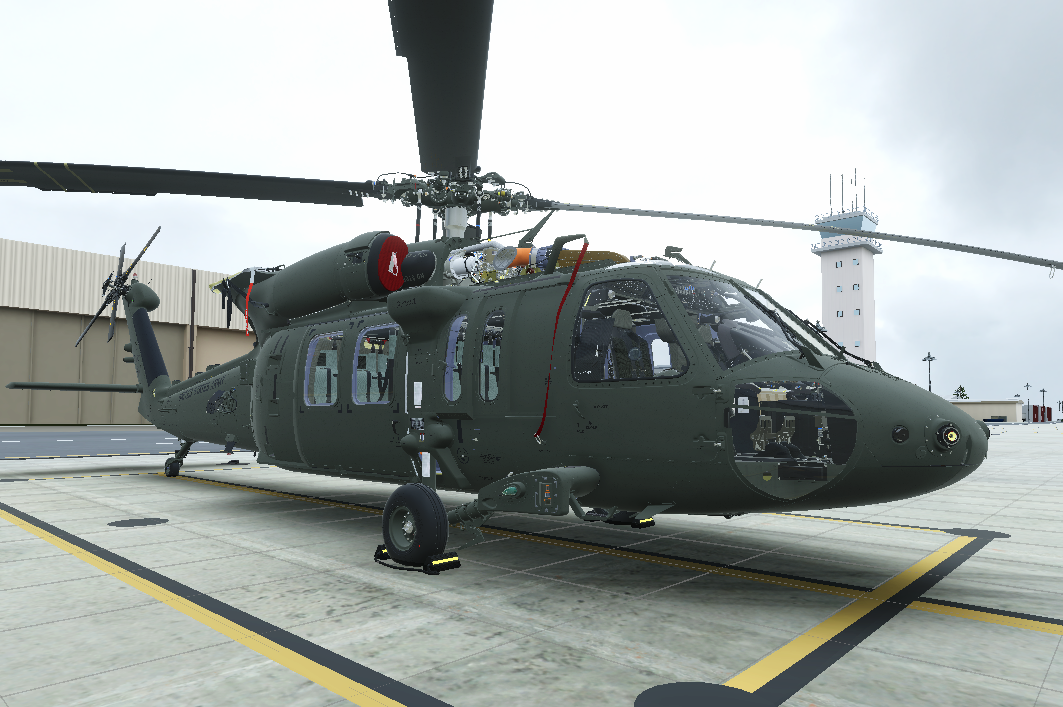
Take the UH-60 Black Hawk. The US Army alone flies a long list of versions: the UH-60A, L, M, and V, the HH-60M MEDEVAC, and specialized aircraft for special operations and other missions. Add the Navy, the Air Force, and international operators, and the number of configurations someone needs to train on grows fast.
Every one of them is a legitimate training target, but they aren't separate aircraft. Most share the same fuselage, tail boom, rotor assemblies, and landing gear. The UH-60V keeps much of the L's airframe and adds a digital cockpit. The HH-60M MEDEVAC is built on the UH-60M, with medical equipment and mission systems added.
Model each one from scratch and you're rebuilding, revalidating, and maintaining the same parts over and over. The better approach is a common baseline built from reusable components, where each variant adds only what's actually different: structure, mechanical systems, avionics, or mission equipment.
Explore every angle of the aircraft.
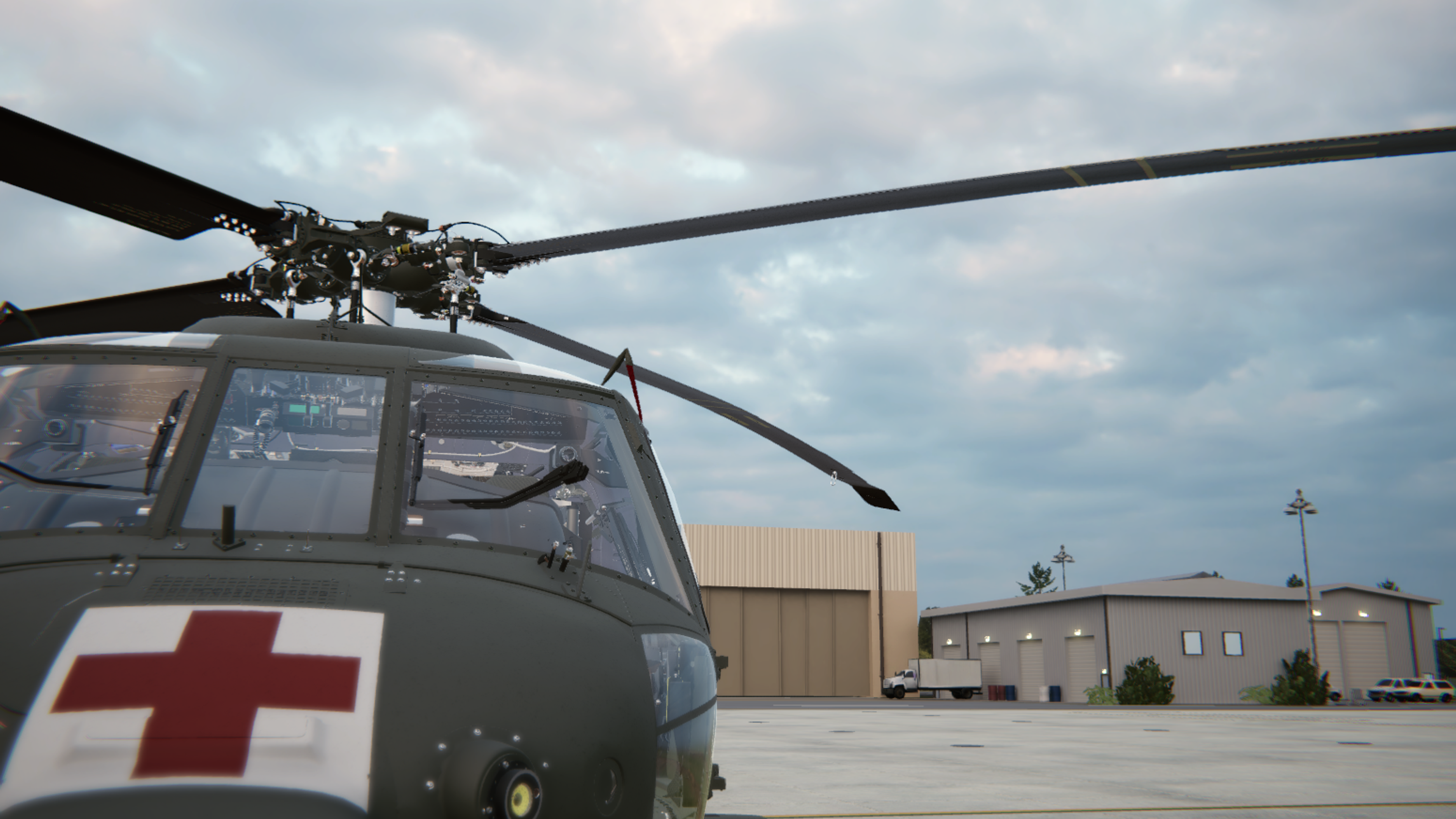
A medical evacuation helicopter sits on the ground.
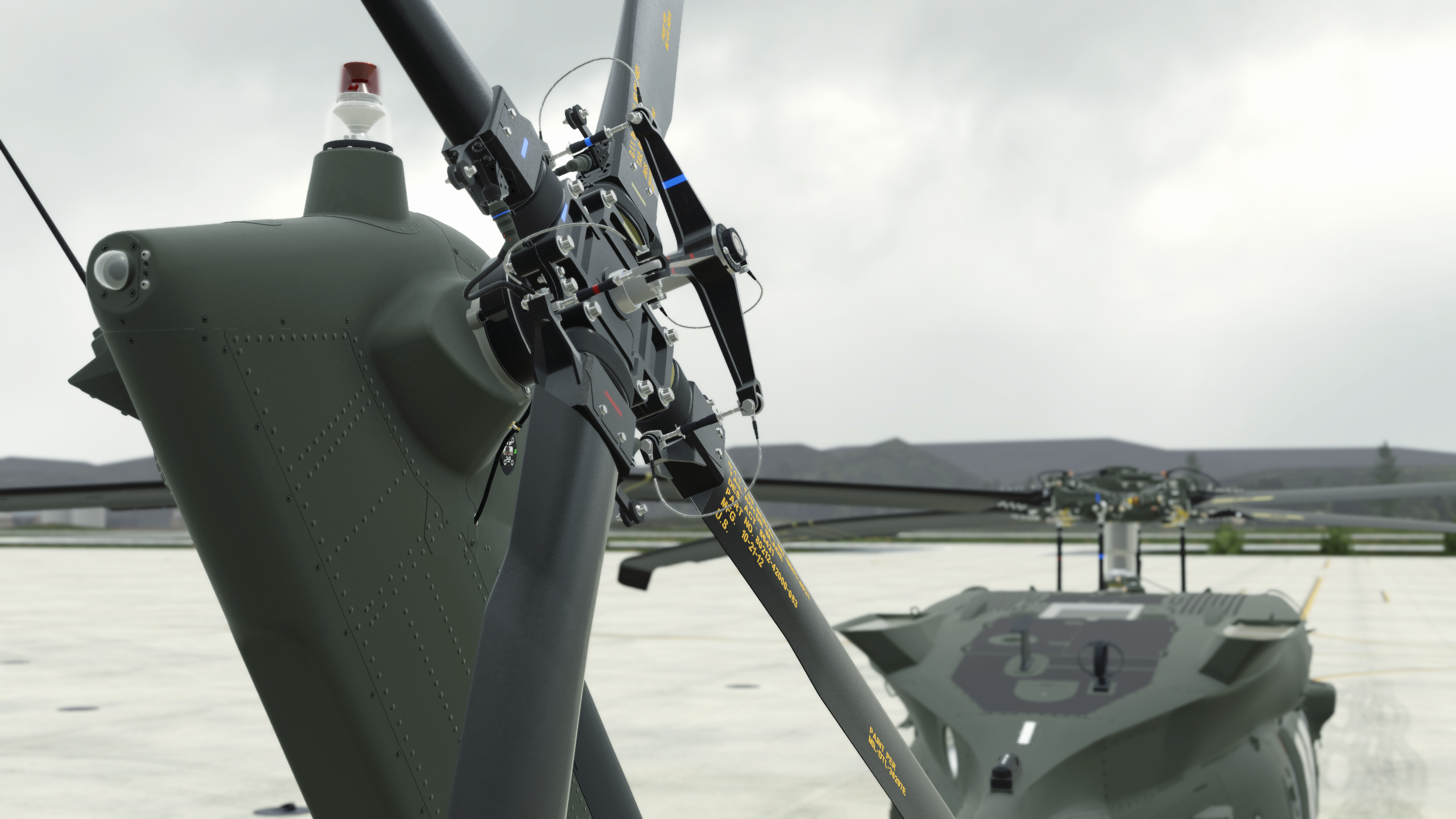
Close-up of the tail rotor hub and blade.

A utility helicopter banks in flight.
The last mile is a ten-year-old computer
Consumer software deals with storage pressure by ignoring it. It downloads tens of gigabytes and expects you to delete something else to make room.
We can’t do that. Our applications land on government machines that may be older, carry significant security controls, and have firm limits on how much space anyone can use. A classroom machine might hold every training course we have ever built for that platform. Compiled the conventional way, with models baked into each application, that’s hundreds of gigabytes of largely identical geometry.
We use Unity Addressables to avoid that. Models live in a catalog rather than inside the build, they’re pulled on demand, and they are cached locally. Deduplication is the default rather than an optimization, because an asset referenced by fifteen applications is stored once. Applications only need to change when their code changes. It also means a developer does not need the entire library on one machine to assemble a scene.
Security is also a critical factor. Classified material never touches the cloud, Controlled Unclassified Information (CUI) can, but it needs to be wrapped so nobody can open the model on the machine and walk out with it. Knowing which category an asset falls into, reliably and at a glance, is not administrative overhead. It determines where the asset is allowed to exist.
A related question comes up constantly and has nothing to do with security: who owns this? Some assets are i3 property, and some are government property, and the distinction determines whether we can reuse an asset on the next contract, or reference it in a proposal.
Why we stopped building our own catalog
We’d started building one.
For a long time there was no government-cloud option for this kind of tooling, so we surveyed the commercial asset management platforms and kept hitting the same two problems: either the tool didn’t fit how our data actually works, or the licensing model made it impractical for government use. So we began assembling our own, layering a database and search on top of our existing version control and automation.
It worked, up to a point. We could find assets. What we could not justify was the rest: the engine integration, the pipeline automation, the dependency tracking, and then maintaining it all indefinitely.
That’s not our business. We deliver training and engineering solutions to government customers, and a toolchain our artists and developers can use without leaving Unity is worth more to us than a bespoke system we’d have to keep alive ourselves.
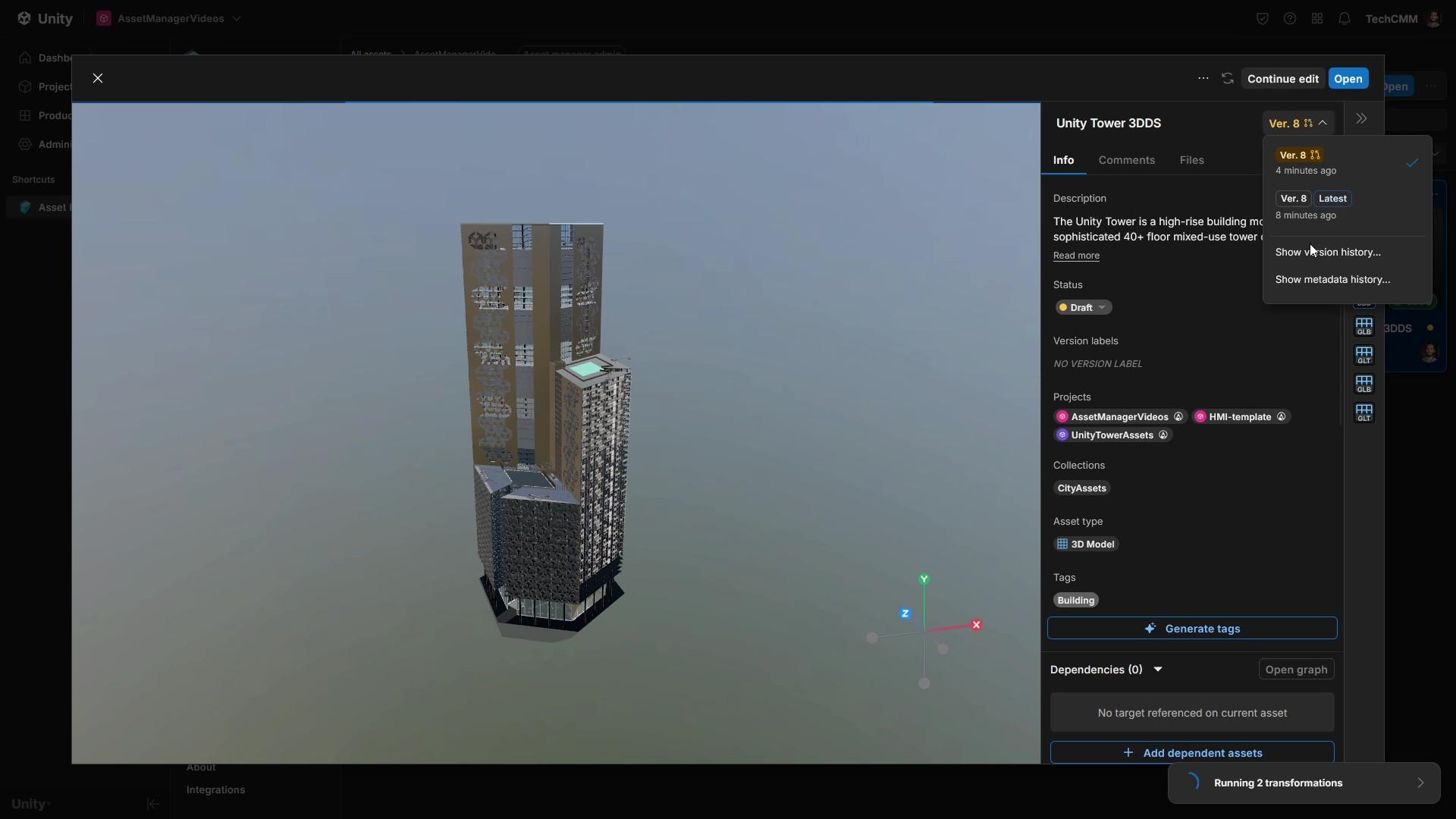
That is why we deployed Unity Asset Manager into a government cloud environment, and why we’re now working with Unity on what it needs to become for pipelines like ours.
What we’re solving next
Cataloging finished assets is the first step, and it already answers questions we used to answer by asking around. What have we modeled? Where is it used? Is it controlled? Who owns it?
The harder problem is volatility. Our catalog is not a shelf of finished work. Ten art teams change assets weekly, sometimes daily, for years, and every change ripples through long dependency chains built for complex maintenance animations. Managing that well means telling artists precisely what changed, rather than reversioning everything downstream of it.
That is the work in front of us, and we will write about it as we go, including the parts that are not solved yet.
There is a larger reason to get it right. The government owns enormous quantities of CAD and parametric model data, much of it delivered under contract years ago and effectively unfindable now. Meanwhile the demand is shifting from training alone toward simulation, visualization, and AI-assisted content generation, all of which need a searchable library of accurate 3D data underneath. A model is only useful if you can find it. Increasingly, it’s only useful if a machine can find it too.
In an upcoming article we will get specific about that work, including where Unity Asset Manager doesn’t yet fit a pipeline like ours and what we and Unity are building together to close the gap.
We will also be at I/ITSEC 2026 in Orlando, November 30 to December 3, booth #1761. Come find us.