Does AI have a use case in industrial workflows? A technical FAQ

Plenty of engineers have tried an AI tool once, watched it misunderstand their project, and concluded there's no real use case for their work. That conclusion is often misleading, not because the skepticism is unreasonable, but because the first attempt was usually missing the piece that makes AI useful in a technical workflow: real context about the project itself.
This FAQ answers the questions we hear most from Industry engineers evaluating AI, Unity's own AI tools, and others such as Claude, for their day-to-day work.
Key takeaways
- AI use cases in industrial workflows are more practical when an agent has access to real project context, not just isolated prompts.
- For Unity projects, Unity’s MCP Server can give MCP-compatible agents access to scene hierarchy, GameObjects, component values, build settings, and console output.
- Industrial simulation and digital twin teams can use structured documentation, component metadata, and machine context to help ground AI agents in project-specific systems.
- The AI Gateway and MCP Server support different workflows depending on whether teams prefer to work inside the Unity Editor or from an external AI-enabled tool.
If your work isn't game code
My work is industrial simulation or digital twins, not game code. Does this apply to me?
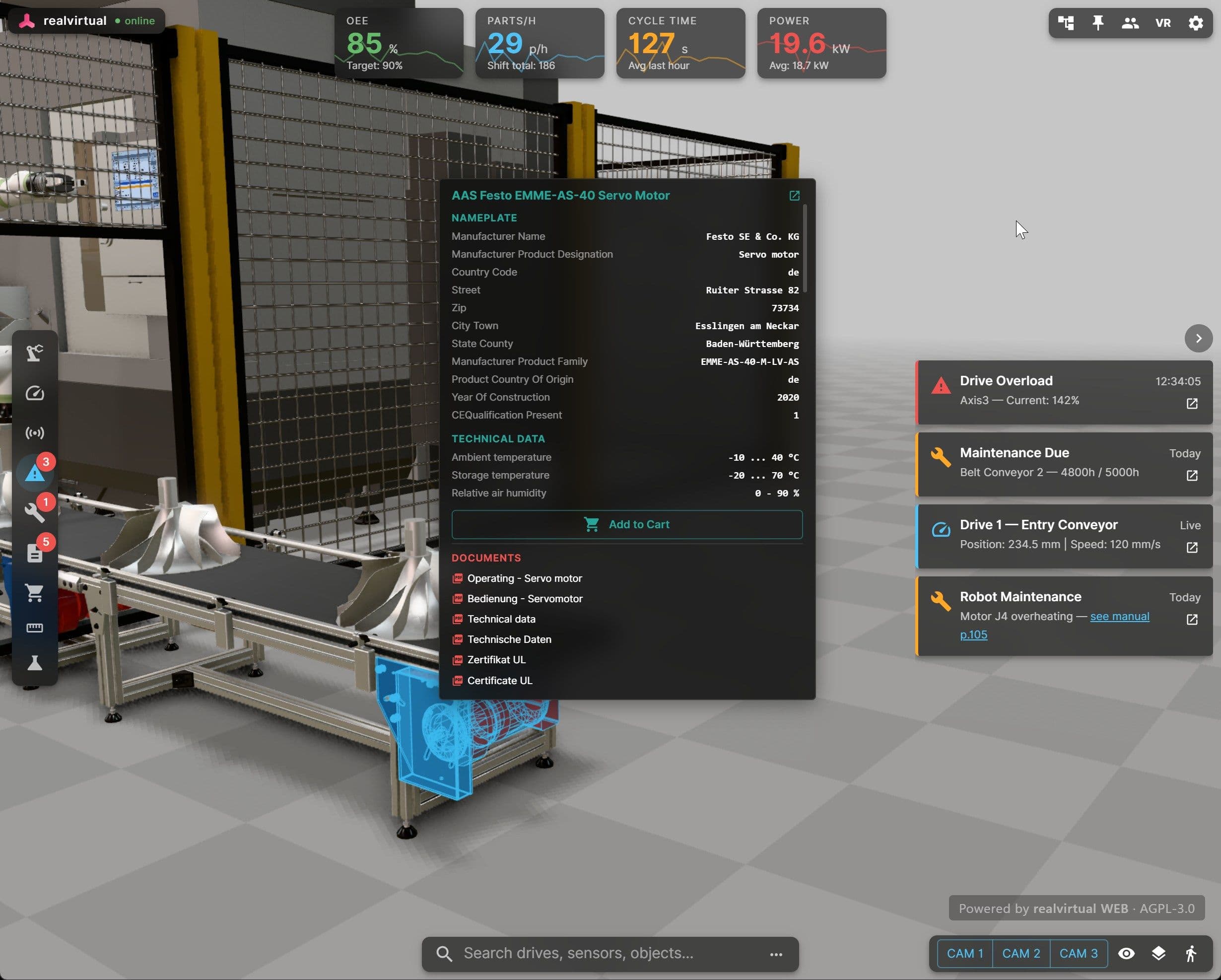
The same connection mechanics apply, but the more relevant shift is what counts as usable context. Engineers already trust Unity-built digital twins for high-stakes engineering work. That kind of project already has structured documentation, component metadata, and machine context sitting in it. That's the kind of material that turns a generic AI tool into one that can reason about your specific system instead of guessing. Check out the article From digital twins to industrial AI: Building the machine information system for some practical advice.
What should my team prepare before trying to connect AI to a digital twin project?
The same structured documentation, component metadata, and machine context your team should already be maintaining for lifecycle and maintainability. If that groundwork exists, it doubles as grounding material for an AI agent. If it doesn't exist yet, that's the gap to close.
Is this real, or hype?
Is there a use case for AI in my workflow, or is this just hype?
It depends on how you tried it. A common failure mode: an AI tool generates a 3D asset or a script with no visibility into the rest of the project, and produces something that technically renders but doesn't work, for example, a model with colliders sized wrong for its physics setup. That's a real, documented limitation, and it's a fair reason to walk away.
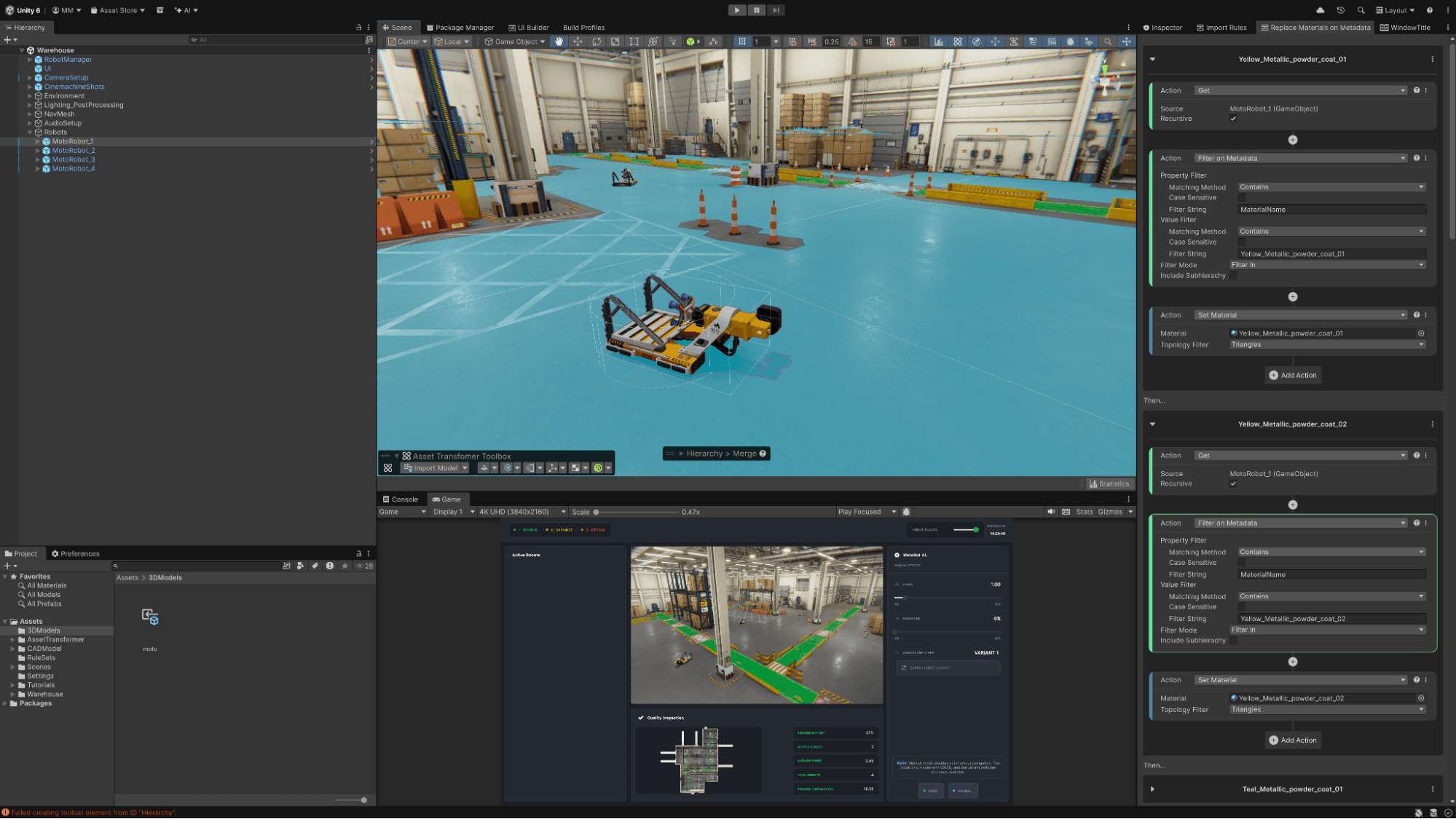
What's changed is that AI agents can now get live access to your project state, not just the text you paste in. Unity’s MCP server gives connected agents real-time access to scene hierarchy, GameObjects, component values, build settings, and console output. That's a different starting point than a chat window with no project context.
I tried an AI coding assistant before and it broke something. What's different now?
Most early frustration comes from agents working blind: they see the code you paste in, not the live state of your scene or your console. Unity's MCP server closes that gap. A connected agent can read console errors directly, identify the relevant script, write a fix, save it, and re-check the console to confirm the error is gone, all in one session, without you copying anything back and forth.
Connecting Claude and other tools to Unity
Can I use Claude with Unity, or do I have to use Unity's own AI tools?
You can use Claude. Unity’s MCP Server is an open standard implementation, so any MCP-compatible AI agent can connect to the Unity Editor, including Claude Code and Claude Desktop, alongside Cursor, Windsurf, GitHub Copilot, and others. You're not limited to Unity's in-editor assistant.
What's the difference between Unity's MCP server and the AI gateway?
They solve different problems. The MCP server lets an external agent, such as Claude Code running in your IDE, reach into a live Unity project and act on it: read the scene, edit scripts, inspect components. The AI gateway works in the other direction: it lets you select a third-party agent, such as Claude Code, inside Unity's in-editor assistant window, add your API key, and route prompts to that provider without leaving the Editor. Which one you want depends on whether you live in your IDE or in the Unity Editor day-to-day.
Do I need a subscription to Unity’s AI tools to connect Claude?
Unity’s MCP server ships with the in-editor assistant package, but does not require a subscription to Unity’s AI tools to use. Connecting through it doesn't consume in-editor assistant credits. You'll separately need your own Claude access, for example, Claude Code or Claude Desktop with your usual subscription or API key. Using the AI gateway with a third-party agent also doesn't consume in-editor assistant credits, because you're paying that provider directly.
What an AI agent can actually do in a Unity project
What can an AI agent actually see and do inside my project?
Once connected, an agent can work across scene management (reading the hierarchy, creating, modifying, or deleting GameObjects), script editing (creating, reading, and modifying C# scripts), console access (reading logs, warnings, and errors), GameObject inspection (reading and writing component values), and build settings. In practice, that supports requests like asking an agent to find objects with missing components, write and attach a new script, or fix a null reference error it found in the console.
Can I point an agent at project-specific workflows, not just generic Unity tasks?
Yes. Teams can register custom MCP tools in C# to expose their own Editor workflows to connected agents, which is the piece most relevant if your work is internal tooling or pipeline automation. If your team's biggest time sink is a repetitive, project-specific task, that's a candidate for a custom tool rather than something to rule out because it's not a "standard" use case.
Getting started
How do I test this without committing to anything?
Unity 6 and the in-editor AI assistant package are the baseline requirement, along with a project connected to Unity Cloud. Unity’s MCP server ships with the in-editor assistant package, but does not require a subscription to Unity’s AI tools to use. From there, you can enable the MCP bridge in Project Settings, connect an MCP-compatible client such as Claude Code or Claude Desktop, and test it on something small and real, for example, asking the agent to read your console and summarize any warnings, before deciding whether it earns a place in your regular workflow.
Summary
The answer to ‘does AI have a use case in my workflow’ is probably - not the way you first tried it. Once an agent has real access to your project, your console, and your project-specific tooling, the calculation changes. It’s worth testing again before writing it off for good.