Scaling Scritchy Scratchy across platforms

Adam Axler - Unity
Senior Content Marketing Manager
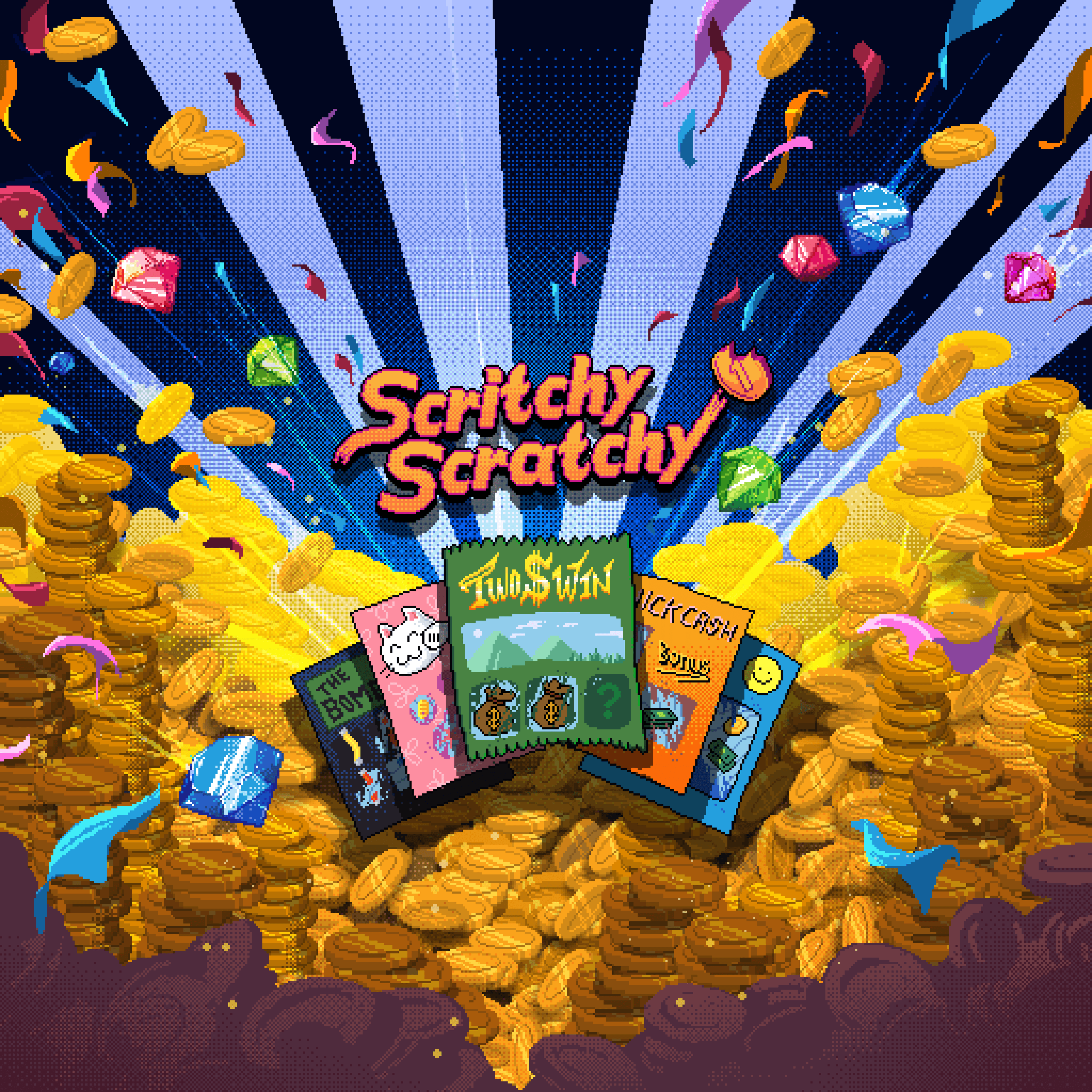
Bringing Scritchy Scratchy to PC and mobile while preparing it for Nintendo Switchᵀᴹ 2 and Nintendo Switch meant adapting a tactile interaction across very different devices.
Delivering that same responsiveness with a controller required the team to rethink input, UI behavior, haptics, and how the game adapts to different screen sizes and aspect ratios.
The porting process also meant balancing performance with maintainability. Rather than creating separate platform branches, the team kept the game in a single Unity project so optimizations, bug fixes, and new content could carry across platforms.
Since launch, the game has sold more than 1.25 million units on Steam and 250,000 copies on mobile, while earning a 94% positive Steam rating across more than 14,000 reviews.
We spoke with Constantin Lervig, creative director at Lunch Money Games; Hannibal Sigfusson, CEO at Lunch Money Games; Christian Biskopstø Thomsen, a programmer working with Funday Games on the mobile and Nintendo Switch ports; and Emil Kjæhr, head of product and partners at Funday Games, about Scritchy Scratchy’s biggest porting challenges.
*Nintendo Switch is a trademark of Nintendo.
What were your primary technical goals going into the porting process across these platforms?
Christian Biskopstø Thomsen: The main thing we knew could become a problem was performance. There weren’t many highly specific goals beyond making sure it ran seamlessly, targeted 60 fps, worked across the resolutions we wanted to support, and ultimately felt like a good native experience on every platform.
Constantin Lervig: There were also smaller design considerations, such as moving UI elements around for different resolutions and making sure the experience didn’t depend on keyboard input. But we designed the game from the beginning to be relatively easy to port, so a lot of that foundation was already there.
What were the biggest technical challenges you ran into while porting?
CBT: The biggest mobile challenges were the platform-specific parts: getting builds working correctly for the App Store and Google Play, dealing with certificates, integrating platform SDKs, and handling systems such as cloud saves.
Input became one of the biggest challenges because we designed the game around mouse and touch. We needed to decide how scratching should work with a gamepad. That involved design discussions and several iterations before we landed on something that felt right.
Emil Kjæhr: We mapped out how the interaction should work, including snapping the input toward the relevant area when you open a ticket and begin scratching.
For Nintendo Switch 2 specifically, we also wanted to support its mouse functionality.
On mobile, we added haptic feedback while scratching. Haptics behave differently across a huge range of devices, particularly on Android. We had cases where users reported that their phones were vibrating far too strongly, so that took some iteration.

Scritchy Scratchy | Lunch Money Games | Funday Games
Were there particular challenges making core interactions feel tactile across platforms?
CBT: Gamepad was definitely the most challenging interaction to translate. With touch, the scratching mechanic worked really well almost immediately. With a controller, we had to rethink how that same action should feel rather than simply mapping a cursor one-to-one.
EK: The four of us sat down for a workshop and looked directly at the PC version. We effectively took the interaction apart and rebuilt it as a wireframe for the other platforms.
Once we did that, the intuitive approach became fairly clear. That also speaks to how thoroughly we thought through the original design from a cross-platform perspective. It saved us a lot of time when we opened the game up to mobile and later started adapting the interaction for controllers.

Scritchy Scratchy | Lunch Money Games | Funday Games
What porting strategy did you use – a single build adapted per platform, or separate platform-specific branches? Why?
CBT: We chose a single Unity project and codebase rather than maintaining separate long-lived branches for each platform.
Separate platform branches tend to drift apart. You fix something on one branch and then have to integrate it into the others. Once you’re supporting four or more targets, that gets tedious very quickly.
A single project has its own downside because you end up with conditional compilation and platform-specific checks throughout the code. But for the size and complexity of Scritchy Scratchy, we kept it at a manageable level.
CL: The other big advantage of a single project is that every small optimization and bug fix applies across all of the builds.

Scritchy Scratchy | Lunch Money Games | Funday Games
How did the Unity Profiler help you find and fix platform-specific bottlenecks?
CBT: I used the Unity Profiler a lot while working on performance. My workflow is basically: profile first, see what is actually slow, and then fix that rather than guessing.
The biggest example was the scratch particles. When you scratch a ticket, we take information from the texture and generate particles that match the color of what you’re scratching. That worked really well on PC, but the original approach was too heavy on mobile.
The solution was to use GPU instancing for those particles. Once we made that change, it became one of the most important performance optimizations in the port.

Scritchy Scratchy | Lunch Money Games | Funday Games
How did the Input System help you support different control schemes?
CBT: The fact that touch worked almost entirely out of the box with the Input System was extremely useful and saved a lot of time.
I can plug in a controller into my PC, play and test the controls directly in the Editor, then build the game for Nintendo Switch. The controller mappings carry over through the Input System, which makes iteration much faster.
HS: From the start of the project, we built a layer between the Input System and the rest of our code. The game code doesn’t need to care directly about every type of hardware input. It can use that layer to determine whether the input activated the pointer, where the pointer is, or what its world position is.

Scritchy Scratchy | Lunch Money Games | Funday Games
What performance targets did you set for each platform, and how close did you land?
EK: We established minimum supported OS and API levels on mobile and then tested against devices near the lower end of that range.
Once we implemented the GPU-instancing fix for the particle system, we weren’t seeing meaningful frame rate issues on those devices
On iOS, we specifically tested devices including the iPhone X and iPhone XS to make sure the game ran well on the hardware we wanted to support. We followed the same philosophy on Android.
CL: Scritchy Scratchy needs to feel smooth because scratching stops being satisfying immediately if the game is lagging.
The requirement was that it should feel like scratching a physical scratch-off with your finger. In practice, that meant targeting the smoothness you get around 60 fps.
CBT: Resolution was another challenge. We designed the original game for a widescreen PC display. Most landscape phone resolutions translated fairly naturally, but the iPad aspect ratio was more difficult.
We had enough time before release to make the iPad version work as well. That involved adjusting the presentation and using some zooming in and out to make the layout fit naturally.
The goal was that regardless of whether someone first encountered Scritchy Scratchy on PC, a phone, or an iPad, it should feel like it belongs on that device rather than like a compromised port.

Scritchy Scratchy | Lunch Money Games | Funday Games
What deployment decisions made the biggest difference in shipping quality across platforms?
EK: The biggest deployment decision was keeping everything in one project.
That matters not only for the first port but for maintainability afterward. When we talk about new content coming into the game, I don’t have to worry about how long it will take to pipe that content through multiple independent platform branches.
CL: That also made it easy to move people between tasks. We had a developer helping us fix PC bugs who could then move directly into fixing mobile issues without having to learn a separate mobile codebase.

Scritchy Scratchy | Lunch Money Games | Funday Games
What’s your top tip for developers planning to port a game across multiple platforms?
CL: From a design perspective, decide early which platforms the game could potentially be on. We made an early choice not to focus heavily on the gamepad, and we could see later how that created additional work.
HS: Think about input, resolution, aspect ratios, and how the game should feel on different platforms from the beginning. Those things are much harder to add later.
Scritchy Scratchy is available on Steam, the App Store, and on Google Play. Check out more stories from Unity developers on the Unity Blog and Resource Hub.