Choosing the right runtime asset loading technology for RT3D projects
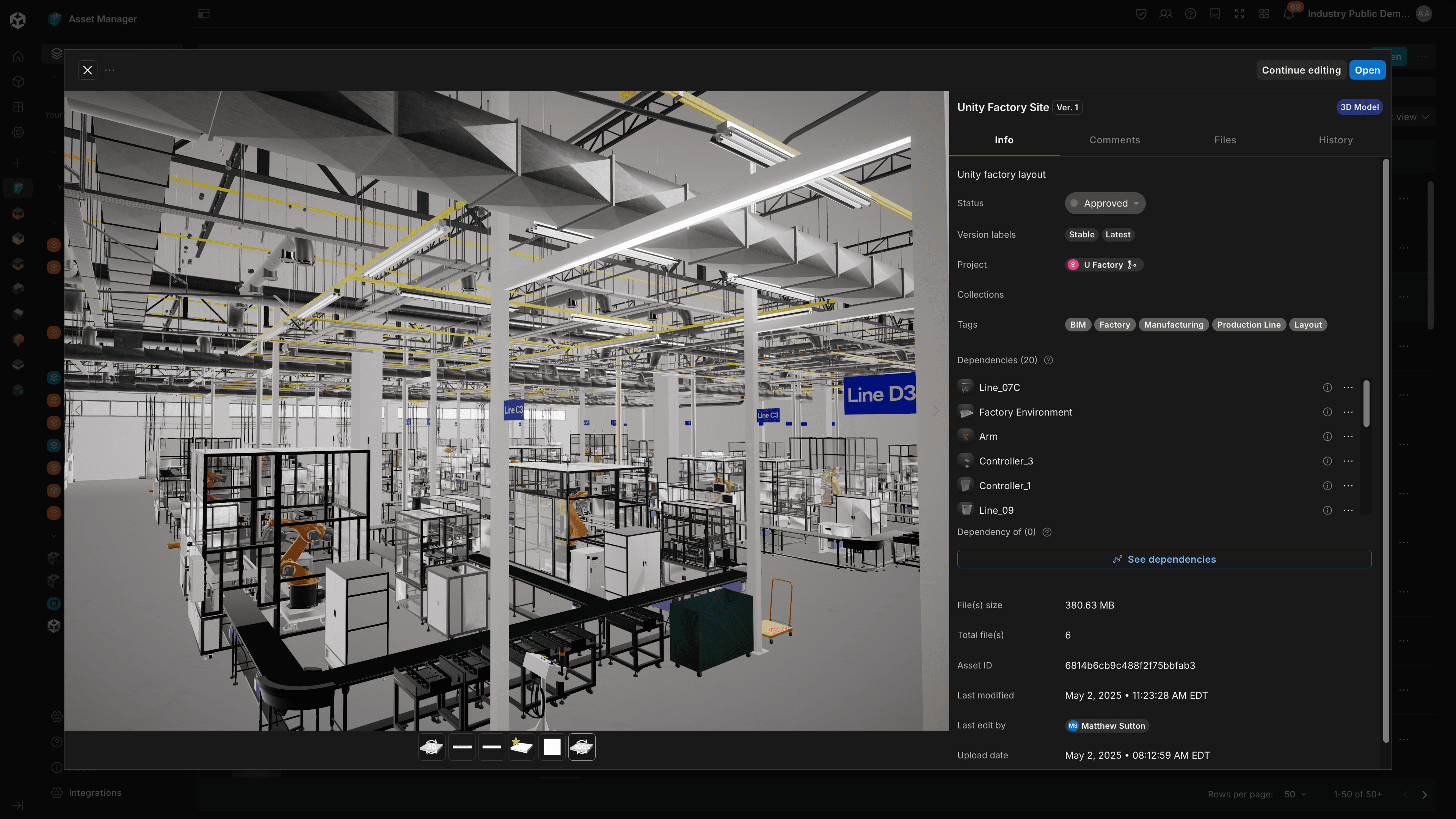
Real-time 3D (RT3D) projects are becoming increasingly complex, demanding smarter approaches to asset manager and runtime loading. Developers are constantly pushing the boundaries of what's possible, and as these projects grow in complexity and size, ensuring smooth performance and an exceptional user experience becomes more critical than ever. While Unity Asset Manager provides a comprehensive solution for organizing, managing and optimizing your assets, developers are still faced with the challenge of choosing the right technology for loading assets into runtimes.
Whether you're streaming content from a content delivery network (CDN), loading local assets dynamically, or managing memory through load/unload cycles, choosing the right asset loading technology is essential for your project's success.
Unity offers multiple approaches to runtime asset loading, each tailored to specific needs and project goals. This e-book aims to guide developers through the available options, comparing their strengths, and helping you choose the ideal solution for your project.
Understanding Runtime Asset Loading
Runtime asset loading refers to how your application loads and unloads content while running. This could mean:
- Downloading new content from a CDN
- Loading local assets on demand
- Managing memory by unloading unused content
- Streaming polygons progressively
Let’s explore the different asset loading technologies and some examples of RT3D Industry projects best suited to each technology.
Understanding your options
Unity offers multiple approaches to handle these scenarios, each optimized for different use cases.
- AssetBundles/Addressables
- Built specifically for Unity projects
- Handles all Unity asset types
- Generally best for Unity applications
- where efficient memory management is a priority,
- where DLC packs will be delivered over the air,
- and for live service games and applications with regular content updates (seasonal events, new characters, product updates)
- glTF
- Platform-agnostic solution which does not need to be touched by a Unity process
- Focused on pure 3D content
- Generally best for all runtime applications that require flexible loading of native 3D data and require cross platform compatibility
- 3DDS (Unity 3D Data Streaming)
- Platform-agnostic solution that enables visualization of 3D models, like CAD and BIM data
- One-click generation and visualization in Unity Asset Manager
- Loads only relevant content in the best quality
- Generally best for large scale visualization where users can explore very complex and detailed models on any device with progressive loading.
At first glance, these tools might seem interchangeable. However, each one excels in unique scenarios, making them better suited to specific use cases. Picking the right technology comes down to matching a tool’s strengths with the needs of your project.
Making the right choice
The key to selecting the right technology lies in understanding your project's specific requirements. Let's explore the factors that should influence your decision.

With AssetBundles you can build an application with a near-empty scene, and load the rest of your game or application dynamically from there.
AssetBundles and Addressables
The Addressables package is a Unity-native system designed to:
- Streamline asset loading at runtime.
- Enable dependency tracking, content versioning, multiple load paths (local/remote), network delivery, and caching.
AssetBundles is the underlying technology that handles the actual asset packaging and loading at a lower level; Addressables is a high-level system built on top of AssetBundles that provides a more user-friendly interface, automated dependency management, and simplified runtime loading. AssetBundles excels at managing complex game content. It is also optimized for a specific build target, Unity version and platform. They're ideal when you need:
- Multiple asset type support as they work with any type of asset, including textures, sounds, scenes, prefabs, and more.
- Dependency management as Unity resolves dependencies between assets.
- Version control
- With Addressables you get a catalog that tracks asset versions and their dependencies, so when you update content, the system can identify exactly which bundles need to be re-downloaded.
- This is particularly helpful for live games where you want to push content updates (e.g. seasonal packs or live events) without forcing players to download the entire game again.
- Unity-optimized, platform-specific
Ideal use case:
A Unity game with a need for efficient memory management and loading times, with multiple asset types, and/or with regular content updates. The optimized assets don’t need to be shared across different runtimes.
Why it works: You can load content on demand via an asset’s “address” or via an AssetReference, and the Addressables system will automatically handle the rest for you, whether that content is already cached on device or still hosted remotely on your CDN. The runtime can download new content packs without requiring a full application update. End users get new seasonal content while maintaining performance and managing memory efficiently.

Unity glTFast (com.unity.cloud.gltfast) package supports the import and export of glTF™ 3D files, both at runtime and within the Editor.
glTF loading
glTF and .GLB are essentially the same format packaged differently - glTF is a text-based format with separate files (textures, binary data, etc.) which makes it great for development and debugging, while GLB bundles everything into a single binary file, making it more efficient for distribution and runtime loading.
glTF provides a streamlined solution for 3D model loading using Unity’s free glTFast package. Consider this option when you need:
- Simple 3D model loading
- With GLBs, dependencies must be baked into the file at export or resolved manually.
- Cross-platform compatibility
- Quick implementation
- Standard format support that isn’t Unity version or platform dependent.
Ideal use case:
A simple model viewer application where quick loading and standard format support are priorities. If you need to re-use an asset across different RT3D projects, without having to re-compile them, GLB is the way to go. A concrete example is an e-commerce application where a single viewer can view thousands of assets.
Another example would be projects where content that can be customized by users such as custom avatars or custom accessories and require a standard format which can be authored with flexibility.
Why it works: GLB is THE 3D format of the web. GLB data is available at many touchpoints.
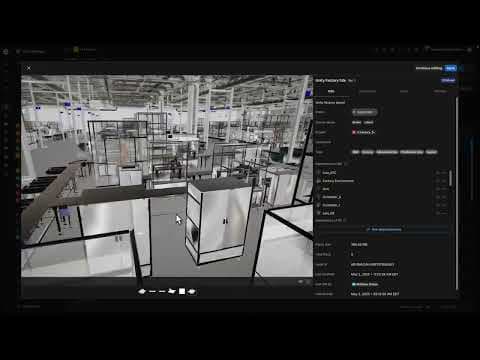
Use Unity 3D data streaming to dynamically download only the relevant parts of a model and make them viewable on any device, regardless of the model size.
3DDS (Unity 3D data streaming)
Unity 3D Data Streaming is a polygon streaming service that allows developers to stream 3D static assets and environments directly to users' devices. The data is pre-processed in Unity Asset Manager using Pixyz technology to automatically optimize its distribution to the runtime application. The loading in the runtime is also handled by Unity’s gltFast technology.
Within your client, the 3D Data Streaming package enables the model to be loaded by implementing out-of-the-box optimizations, reducing the memory footprint of the model further from the camera while ensuring full detail up close.
3DDS shines when handling large-scale models and complex visualizations while preserving all part metadata of your model. It's the go-to choice for:
- Large CAD and BIM models
- Instant first pixel
- Progressive loading requirements
- Single source of asset / multiple targeted platform
- Memory-optimized loading per targeted device
- Complex model hierarchies navigation and study
Ideal use case:
A VR walk-through experience of your models you’ve never been able to display in a runtime application.
An architectural or engineering visualization and review application with access to metadata or properties dealing with detailed CAD or BIM models that cannot be loaded in their entirety given a device’s limited memory and rendering capabilities.
Making your decision
If you're developing a game with Unity, Addressables is generally the recommended solution. Here's why:
- Built specifically for Unity's development workflow
- Optimized for runtime performance
- Integrated with Unity's memory management
- Supports complex asset dependencies
- Handles multiple asset types efficiently
Exception case: User-Generated Content If your game involves user-generated content (like custom avatars or items), consider GLB:
- Standard format makes content creation more accessible
- Better long-term compatibility across Unity versions
- Easier third-party integration (e.g., ReadyPlayerMe avatars)
Exception case: An Entity Component System (ECS)-based Unity game. If you are taking advantage of Unity’s ECS architecture, you should use the Entities Content Management system for runtime asset management.
For industry projects, the choice depends more on specific requirements.
Choose GLB when:
- Working with standard 3D models
- Cross-platform compatibility is needed
- Handling user-uploaded content
- In need of platform-independent updates
- Long-term format stability is required
Choose 3DDS when:
- Working with large CAD/BIM models
- Progressive loading is needed
- Memory optimization is required
- Preserving complex hierarchies and metadata is a priority
- Dynamic fidelity scaling is needed

Get started with Asset Manager
Unity Asset Manager helps you organize and prepare your assets before runtime, creating an efficient pipeline for whichever loading strategy you choose. Integrated with the Unity Editor and Unity’s dataprep solution, Pixyz, Asset Manager can:
- Centralize your source assets from creation, iteration to final state
- Transform and prepare assets for runtime deployment
- Organize assets efficiently within your Unity Editor workflow
- Convert between different asset formats
- Act as a repository of real-time 3D files that can be consumed in runtime
As your project grows, Asset Manager scales alongside your Unity Editor license to provide additional storage and management capabilities.
Whether you're preparing assets for Asset Bundles, generating glTF files, or setting up 3DDS streaming, Unity Asset Manager helps you maintain organization and control during development.
Unity Asset Manager can bring data directly into runtime applications. Once gLTF and 3DDS data is generated, it can be reviewed in runtime instantly, and without building times. This shortcuts the journey of industrial customers to bring their CAD and BIM data directly into Unity applications.

Discover more
If you’d like to learn more about Unity Asset Manager solutions, check out these resources:
- Download the glTFast package from Unity Package Manager by installing by name : com.unity.cloud.gltfast
- Addressables documentation
- 3D data streaming documentation
Questions?
Share your experiences and questions about asset loading in Unity. Join us on Unity Discussions.


