Break the skills bottleneck: Make 3D data prep self-serve

Why more training won't fix the 3D skills bottleneck
Industrial 3D data workflows often depend on a few specialists. Preparing CAD data, optimizing assets, and updating training scenarios all require specialist tools and specialist knowledge. When only a handful of people can do that work, iteration slows, users wait, and technical teams become overloaded.
The skills bottleneck is the delay that forms when every 3D data request must pass through a small group of technical experts. Training everyone on complex software rarely solves it, a better approach brings the tools to the user.
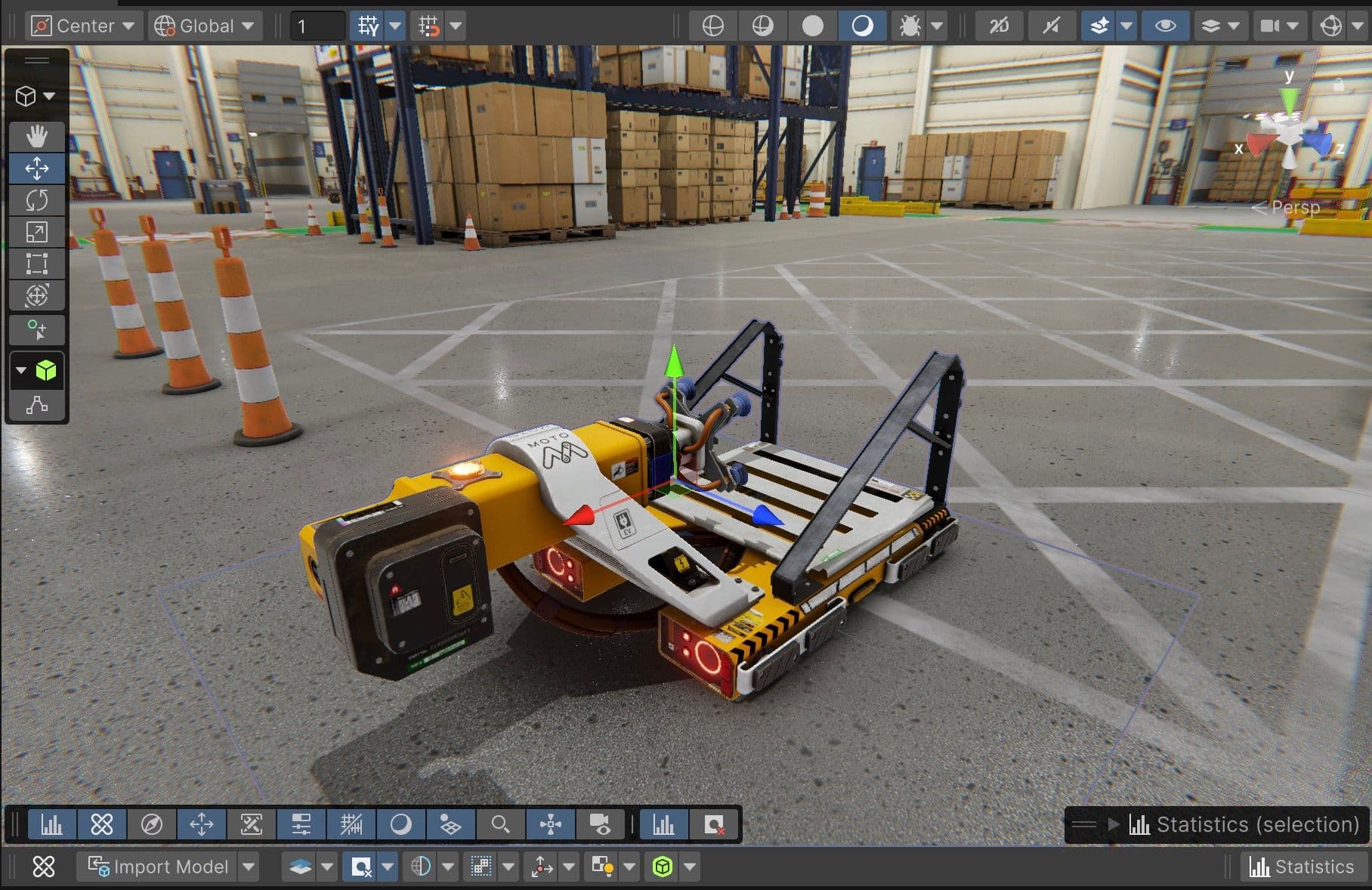
Unity's tools are API- and SDK-first by design. Unity Asset Manager, Unity Asset Transformer, Unity Pipeline Automation and the Unity Editor expose their functionality programmatically. Technical champions can use these interfaces to build custom workflows, AI agents, and Model Context Protocol (MCP) servers. Designers, artists, marketing specialists, and training managers can then prepare data, update experiences, and trigger pipelines on their own, in a secure and controlled way.
In this on-demand webinar, Unity Staff Solutions Architects Simon Nagel and Jerome Maurey-Delaunay show how to build that layer. Watch the session to see how teams can make 3D data prep self-serve with Unity Industry.
Key takeaways
Watch the webinar to learn how to:
- Rethink the skills bottleneck: See why training everyone on complex software isn't the answer, and what non-technical users can already do in the Unity Editor.
- Build custom workflows on open APIs and SDKs: Use Asset Manager, Asset Transformer, and Pipeline Automation to trigger conversions and pipelines without opening the underlying tools.
- Create your own skills and tools: Package common workflows as reusable skills any user can invoke.
- Set guardrails and control costs: Define what an agent can do on its own, where a human stays in the loop, and how skills can help manage token costs.
- Start small this quarter: Find the most useful agent your team could build quickly this quarter.
Webinar description and summary
The skills bottleneck and why more training isn't the answer
Specialist tools need specialist knowledge, which usually means specialist people. That dependency slows iteration, frustrates users, and overburdens technical teams. The session shows how the bottleneck forms and why training everyone on complex software doesn't scale. The alternative is a layer that brings the tools to the user.
Building custom workflows with Unity's open APIs and SDKs
Asset Manager, Asset Transformer, Pipeline Automation, and the Editor all expose their functionality programmatically. The speakers show how to build a data preparation workflow tailored to your organization. Users trigger Asset Transformer conversions and Pipeline Automation runs from Unity, without touching the underlying tools. The Unity AI Assistant helps them navigate, generate, and execute tasks without deep tool knowledge.
Creating your organization's own skills and MCP tools
MCP is a standard interface that lets AI agents interact with tools and data. The session covers how to build a custom MCP server on Unity's APIs that exposes asset management, transformation, and pipeline triggers to any agent or assistant. Examples include an agent that prepares a dataset on request and one that updates a training scenario when source data changes. The speakers also cover reusable skills, guardrails, and token cost management.
What breaking the skills bottleneck looks like in practice
The technical specialist's role shifts from doing the work to building the system that lets others do it. A subject matter expert requests an optimized dataset without opening a specialist tool. A non-technical team member updates a training scenario by describing the change to an AI assistant. The session closes with advice on where to start.