Crafting DREDGE's cozy atmospheric horror
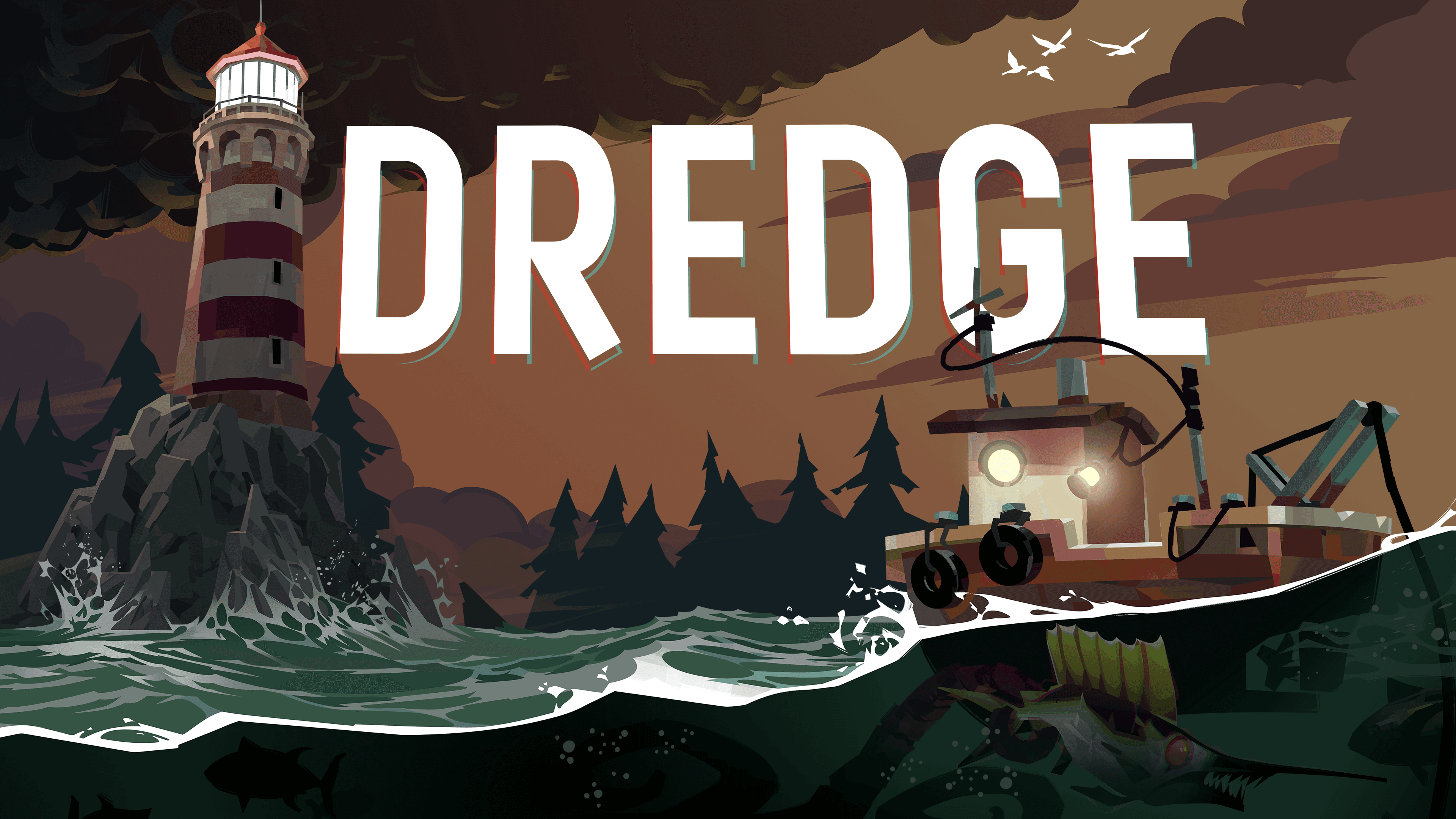

We met up with Black Salt Games at GDC to talk about the studio’s breakout hit, the award-winning Lovecraftian fishing adventure, DREDGE. 3D artist Michael Bastiaens shares his approach to 3D asset creation, gives a deep dive on DREDGE’s water shader, and explains the thought process and techniques behind the game’s “cozy horror” atmosphere.
Transcript
Michael Bastiaens, 3D Artist, Black Salt Games
When you don't know what's actually out there, and you can hear things coming towards you – that's when your mind starts playing tricks with you. You're like, “I'm not sure what that is. It sounds terrifying. I'm just going to go back to the dock to try and save myself.” And then you're like, “Wait – where am I? How do I even save myself anymore?”
Into the depths
So, to come up with this whole “unfathomable depth” sort of look that we had with DREDGE… When the depths of the water feels like it goes down for like forever, or when you go out into the ocean and you start swimming and you can never really see more than a couple meters in front of you, it’s just like, what's below there? I think that's a really big part of what kind of brings that fear and atmosphere to DREDGE.
DREDGE’s 3D assets workflow
My workflow for 3D assets usually starts off with some really rough base meshes inside of Maya. Then I will jump straight into ZBrush to sculpt those creatures out. I do a lot of those blocking out textures and everything there, and then retopologize back in Maya. In recent times, I've started switching over to Blender, mainly because our other artists are more familiar using that tool. It just makes it easier when we’re all jumping around in the same tools.
An interesting thing with our 3D artist is that he tends to paint just by using the lasso tool. He does some wizardry and draws up big shapes and sculpts them into what the characters look like. I ended up just liking that art style so much that I've started adopting that just into my normal approach to texturing characters. It just has this nice, clean, sharp look, which is really cool.
Choosing a low-poly art style for DREDGE
We decided to go with a low-poly art style because of constraints around how much time that we had to work on the project. We were going with our prototypes and iterating directly on top of that prototype. It’s actually deceptively high-poly in some areas, just because we wanted to go with the sharp, clean look of the 2D art.
We wanted this low-poly style because it's got those sharp, clean edges, but to get some of that textural detail, we actually had to model that detail in and then texture it that way. This ensures those sharp edges don’t become blurry when you get like some of those larger creatures on.
When it came to the actual creatures, we found out that our fade-off distance would hide most of the creature, so we had to implement some shader solutions that made that monster fade off at a slightly different distance, so you could still see them emerging from the depths.
We've got something in the shader that blurs and fades out detail below a certain depth. And we can control that using the water shader.
Deep dive on DREDGE’s water shader
Let’s take a look at the water shader we created for DREDGE. First, I’m going to open up the water shader and show you what everything looks like from a high level – as you can see, it’s a little messy, but we’re able to work with it well enough.
Now let’s open up this texture here: the wave-mask texture. It’s the single largest texture in the game, and it contains a lot of information from different channels (the red channel, the blue channel, and the green channel). We use these for a bunch of different calculations in the water shader, as well as for actual gameplay information. For example, these control where players can see water ripples in-game, and can determine where fog can actually reach, so players can see distant objects like docks more clearly.
We also have some depth checks. One of these shaders can tell us how deep the water is in certain areas, or where lights can appear.
Creating the water shader itself – this spaghetti node monster – required some trial and error. We actually kept some of the errors in, because they looked more visually interesting and were more aligned with our art direction.
We started out with a Gerstner wave solution for our water physics, but ended up going with a sine wave. While the Gerstner waves looked a bit more realistic, they weren’t a good fit for our gameplay and aesthetics. They also had the unfortunate side effect of turning most of our waves into ramps, which launched the boat into the sky. Going with the sine wave led to a better gameplay experience overall.
Tackling challenges
Probably the biggest creative challenge was one of our Leviathan creatures, because it's just such a gigantic creature in the game. That was when we really had to commit to doing that whole sharp-edged, low-poly, or low-texture-size assets, because when we had a closer look at the creature – when you're close up to the creature with the normal texturing approach – things start getting really blurry. So that's why we had to model in all of those details where all those textures would sit. From those challenges, I really liked that style.
Saving time
I'd say the biggest time saver we did was going with the smaller gradient map texture blocks. They were usually very small texture sizes, 64 by 64, 128 by 128, and then we used that for texturing pretty much everything within a particular biome. So all the buildings and most of the creatures would basically use a single texture sheet and that would save us time from having to make multiple different textures.
Inspiring fear
A lot of the effects and visuals that were put into the game were to obscure vision and create atmosphere. I think one of the biggest things we did was our use of the fog. We had our own solution for creating the fog, with the idea that you can't really see too much further from your actual boat. It was that fear of what's just a little bit beyond your actual sight that created a lot of fear for players.
We’ve got quite a few interesting visual effects within some of the other assets in the game, one being the bioluminescent sort of things, created using tiling textures and emissive maps that create this whole shimmering and glowing look. In the game, you start looking around for lights like these or lights on the docks, but they end up turning into something else. It's that sort of approach keeps players on edge, especially at night.
A couple extra things that we did to kind of bring in that sort of atmosphere and dread was at night, we removed a lot of the audio. There's no music that ever plays and it's all about that atmosphere. All you can really hear is a slight creaking of the boat, or the waves up against the boat just hitting it, and then eventually you'll just hear a creepy monster stinger… And then that's just like, “Oh, everything's silent, now I'm hearing something, what do I do, what do I do!?” It's just those small things – not adding things,but removing things, and that’s what really makes fear. Just let people’s minds take control.
DREDGE is available now on desktop, console, and mobile devices. Find more Made with Unity titles on our official Steam Curator Page, and visit unity.com/resources for more content featuring Unity developers.
This transcript has been lightly editorialized for readability.