2026 Industry releases and what’s coming in Q4

Avery Vernon-Moore - Unity Technologies
Product Marketing Manager

2026 has been a big year for Unity Industry, so we're looking back at the major Unity Industry releases and updates, plus a preview on what’s coming in Q4.
In March, Unity Studio made it possible to create interactive 3D experiences directly in a web browser. By September, robotics teams could prototype and validate systems in simulation before deploying them to physical hardware. In between, Unity Industry shipped 15+ releases.
Those releases span every part of the Unity Industry product suite. They serve teams building digital twins, simulations, HMI and embedded systems, robotics, XR training, and product configurators.
TL;DR: Unity Industry's 2026 releases at a glance
Short on time? Here's what Unity Industry shipped this year:
- AI agents joined the 3D data pipeline: Industry AI Workflows launched in October as an experimental release, so your own AI agent can prep, optimize, and publish CAD data across Asset Manager, Asset Transformer, and Pipeline Automation.
- Design and simulation tools connected to Unity: The experimental UI Toolkit Connector for Figma turns Figma frames into editable Unity UI, and the Unity USD Toolkit round-trips USD between Unity and NVIDIA Isaac Sim.
- 3D creation moved into the browser: Unity Studio went GA in March, then added annotations, Editor export, and live co-editing.
- Collaboration opened up beyond the Editor: Unity Pipeline entered closed beta, giving every role one API into a Unity production.
- Enterprise security got independent proof: Unity's creator services are now SOC 2 Type 2 certified, and Asset Manager deploys in your own cloud.
- Robotics and embedded got purpose-built tools: Simulation Pro entered early access. Automotive teams got multi-window control and a shared Android render service.
- The Editor kept getting faster: Unity 6.4, 6.5, and 6.6 shipped, with Unity 6.7 LTS coming soon.
Below, we break down every Unity Industry release from 2026 by quarter and product, then preview what's coming in Q4.
Q1 2026: 3D creation opens up
Unity Studio is generally available
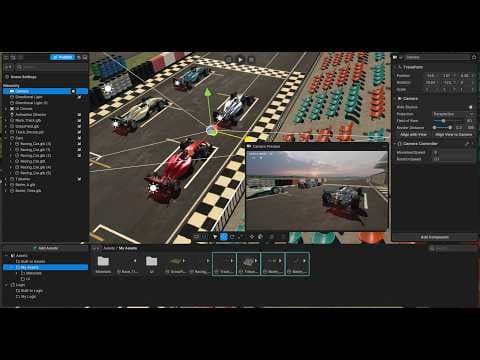
Bring 3D ideas to life, fast: Unity Studio is a web-based editor that lets anyone build and share interactive 3D apps. No coding and no installs. Import your 3D data, add interactivity, and share a link for review.
Unity 6.4
6.4 brought faster scene building, smoother workflows, and ECS now built into the Editor: The release integrated Project Auditor, moved ECS packages into the core Editor release cycle, and expanded rendering, input, and platform support.
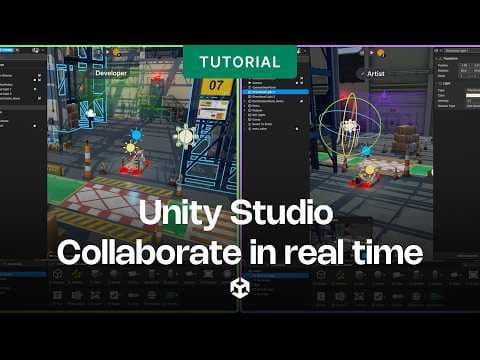
Real-time collaboration

Annotations
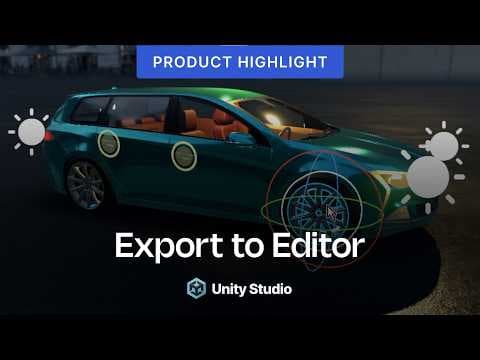
Export to Editor
Q2 2026: From solo tool to team workspace
Unity Studio: releases for connected collaboration
- Custom Transformations: More control over 3D imports. Choose optimized or full hierarchy, and keep animations and structure without external tools.
- Studio to Editor Export: Start fast, scale without rebuilding. Send Studio projects to the Unity Editor with assets, UI, and logic intact. Watch it
- Annotations: Feedback where it matters. Pin comments and replies to the exact spot in a 3D scene. Watch it
- Real-time Collaboration: Create together in real time. Co-edit shared 3D scenes live, with presence and comments built in. Watch it
Read more about Studio collaboration and Editor export
Unity Asset Manager: Self-Hosted Deployment
Deployment in your cloud: Deploy Asset Manager directly to your private cloud. Keep sensitive 3D data in your own environment while you automate heavy prep.
Unity 6.5 and embedded multi-window support
- Unity 6.5: Faster workflows, stronger foundations. Performance, graphics, 2D, and platform gains across Android, Apple, Web, and Nintendo Switch 2, plus groundwork for CoreCLR. Read the launch post
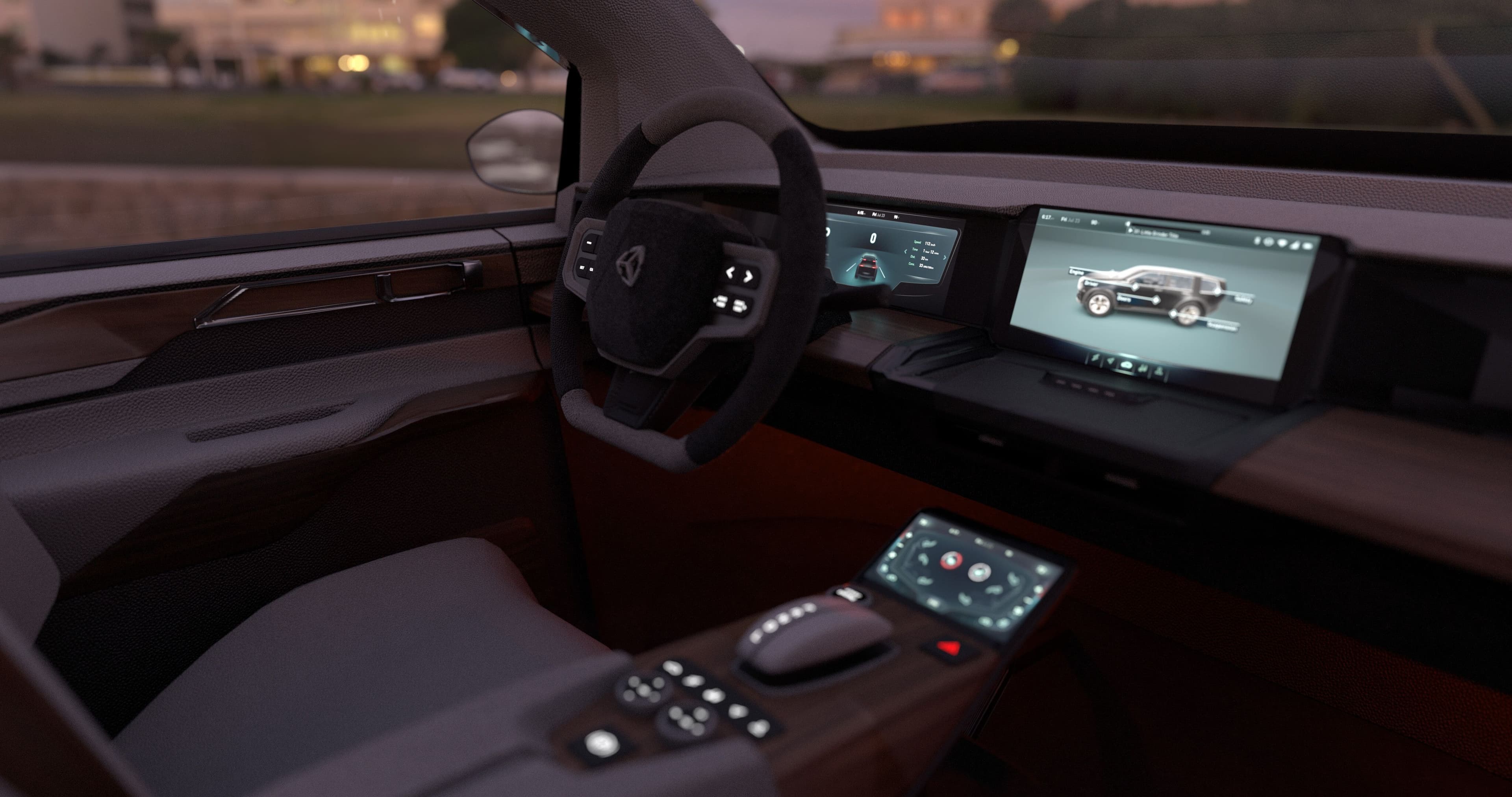
- GameWindow multi-window support: Granular, runtime control over every window. Create, arrange, and control multiple Unity windows across one or more displays, built for automotive cockpits and industrial control panels. Read the documentation.
Q3 2026: Trust, skills, and new frontiers
Unite Seoul set the pace for the quarter. Read the recap

Platform: open and verified
- Unity Pipeline enters closed beta: Open your Unity production to the whole team. A unified API connects every role and tool, including DCCs, IDEs, the CLI, and supported AI agents. No Editor seat required. Apply for the beta
- SOC 2 Type 2 certification: Asset Manager, Asset Transformer, Studio, Pipeline, and DevOps are SOC 2 Type 2 certified, audited by Coalfire. Visit the Trust Center
Unity Academy Pro
Scale Unity skills across teams: Structured, role-based training for industrial teams, so they onboard faster and work more efficiently. Explore Academy Pro

Robotics: Simulation Pro early access
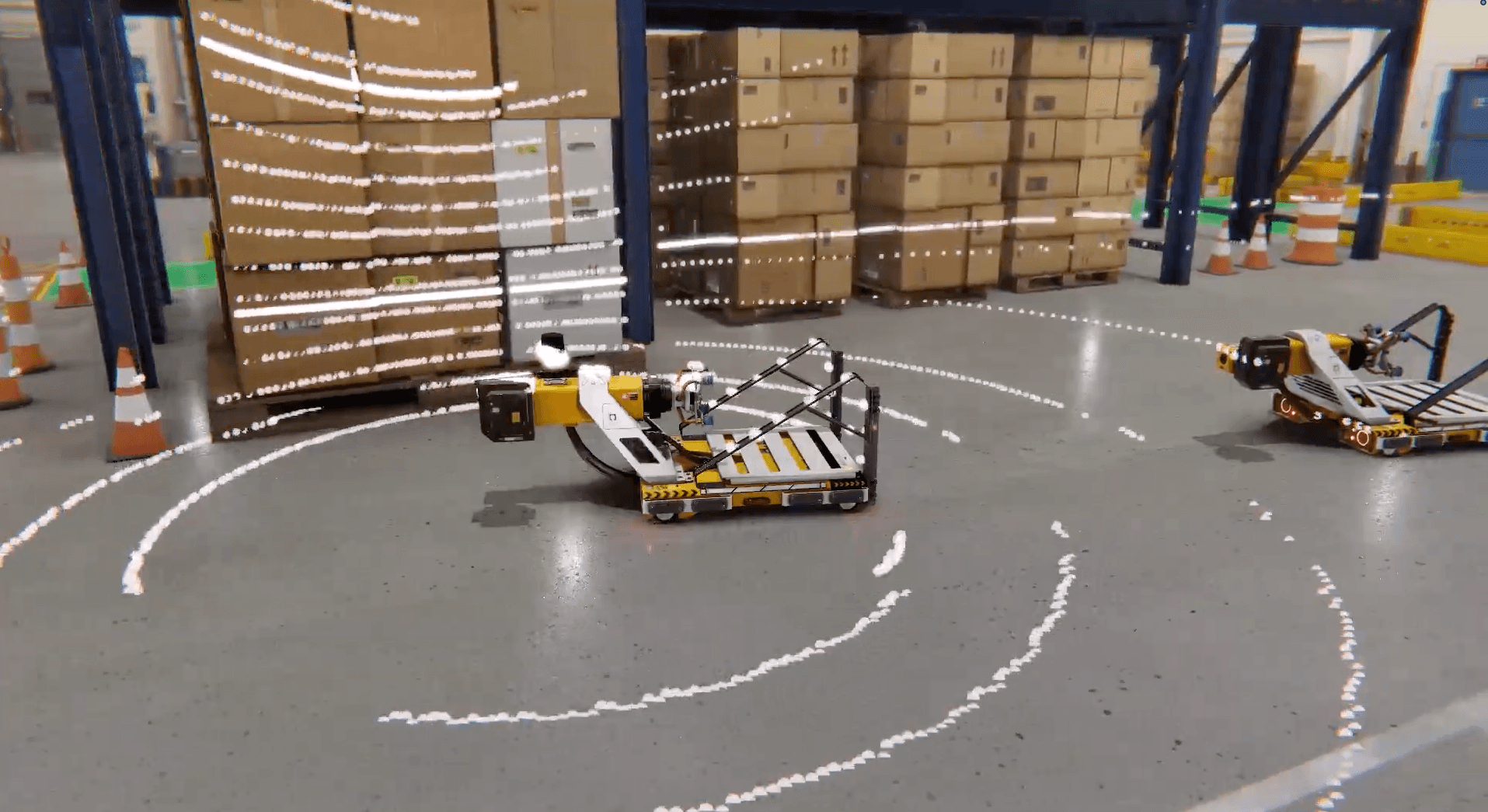
Simulate robotics workflows in Unity: Prototype, test, and validate robots, sensors, and AI before deployment, with ROS-connected tools. Run on private clouds or local servers, with no hardware lock-in.
Embedded and HMI: Unity Render Service now in Beta
One Unity instance, shared across every Android app: Android applications can connect to a shared Unity runtime, reducing startup time and resource duplication compared with running a separate Unity instance for each app.

Unity 6.6
Build smoother, deploy further: Fast Enter Play Mode, faster asset loading with Content Directories, a new Hierarchy window, and reach to Android XR devices such as XREAL AURA. Read about Android XR glasses support

UI Toolkit Connector for Figma (experimental)
Your Figma file becomes real Unity UI: Push Figma frames into Unity as editable UI Toolkit documents and pick up where design left off in UI Builder. Your design system comes with you: Figma variables carry over as themes, such as Dark and Light, and components become working Unity controls. Supported style and layout edits made in Unity can be pushed back to Figma manually or automatically, so design and build stay in sync. This is an early release and we’d love your feedback as we shape the product. Get the Figma plugin
Q4 2026 Preview
Now available: Industry AI Workflows (experimental)
Weeks of prep work, done in hours: Connect your own AI agent to Asset Manager, Asset Transformer, and Pipeline Automation. Describe the outcome you want, and the agent builds the whole workflow. Point it at a STEP file and it imports, repairs, optimizes, QA-renders, exports, publishes, tags, and versions the result.
- Use the agent you already have: Works with Claude Code, Cursor, and GitHub Copilot, so models stay under your existing AI policy.
- Pipelines by description: Author, validate, trigger, and monitor Pipeline Automation jobs without writing JSON by hand.
- Fast to set up: Install with two commands and one browser login. Run on public Unity Cloud or a self-hosted deployment.
- No new SKU: Runs on the Asset Manager, Asset Transformer, and Pipeline Automation entitlements you already have.
Industry AI Workflows is an experimental release. Try AI Workflows today
Unity USD Toolkit (experimental)
Round-trip USD between Unity and Isaac Sim: Bring OpenUSD workflows into Unity. Read, write, and round-trip USD stages used in simulation pipelines, with hierarchy and metadata intact. Live scene sync keeps object positions, rotations, and scales aligned between Unity and NVIDIA Isaac Sim in real time. Prototype robotics workflows, validate digital twins, or iterate on synthetic data scenes without manual re-exports.
This is an experimental release. Try it and tell us what your simulation team needs next. Explore the USD Toolkit
Coming later this quarter
This section describes features and timing still in development. These reflect our current plans, and availability could change.
Editor agent plugins (beta)
Official Unity plugins for Claude, Codex and Grok give AI agents Unity-built skills for common development tasks. Agents check your project, use the current API and verify results before handing work back. Skills are developed and maintained by specialist Unity teams, so you can expect better output and fewer coding errors. Kimi and Antigravity plugins coming later this year.
Asset Manager Folder sharing
Open the right folder to the right people. Share nested folders with specific people and set a role for each folder, so collaborators go straight to the assets they need.
Asset Manager Collection sharing
Protect the project, share the collection. Give external partners and agencies access to one collection of assets while the rest of your repository stays private.
Unity 6.7 LTS
Build confidently for the long term. The next Long Term Support release brings a year of Unity 6 performance and workflow gains to teams shipping at scale.
Which Unity Industry release should you explore first?
Start with the release that's costing you time:
- Stuck building interactive 3D HMI? Start with the Unity Industry automotive HMI template or try the Figma plugin (experimental).
- Testing robots on real hardware? Ask us about Simulation Pro early access.
- Losing time prepping 3D data by hand? Try Industry AI Workflows (experimental) and let your own AI agent build the pipeline.
The thread through all of it: more people can build in real-time 3D, in more places. That means factory floors, car dashboards, and robot test beds.