Meta VR Glasses are coming. Build with Unity from day one.
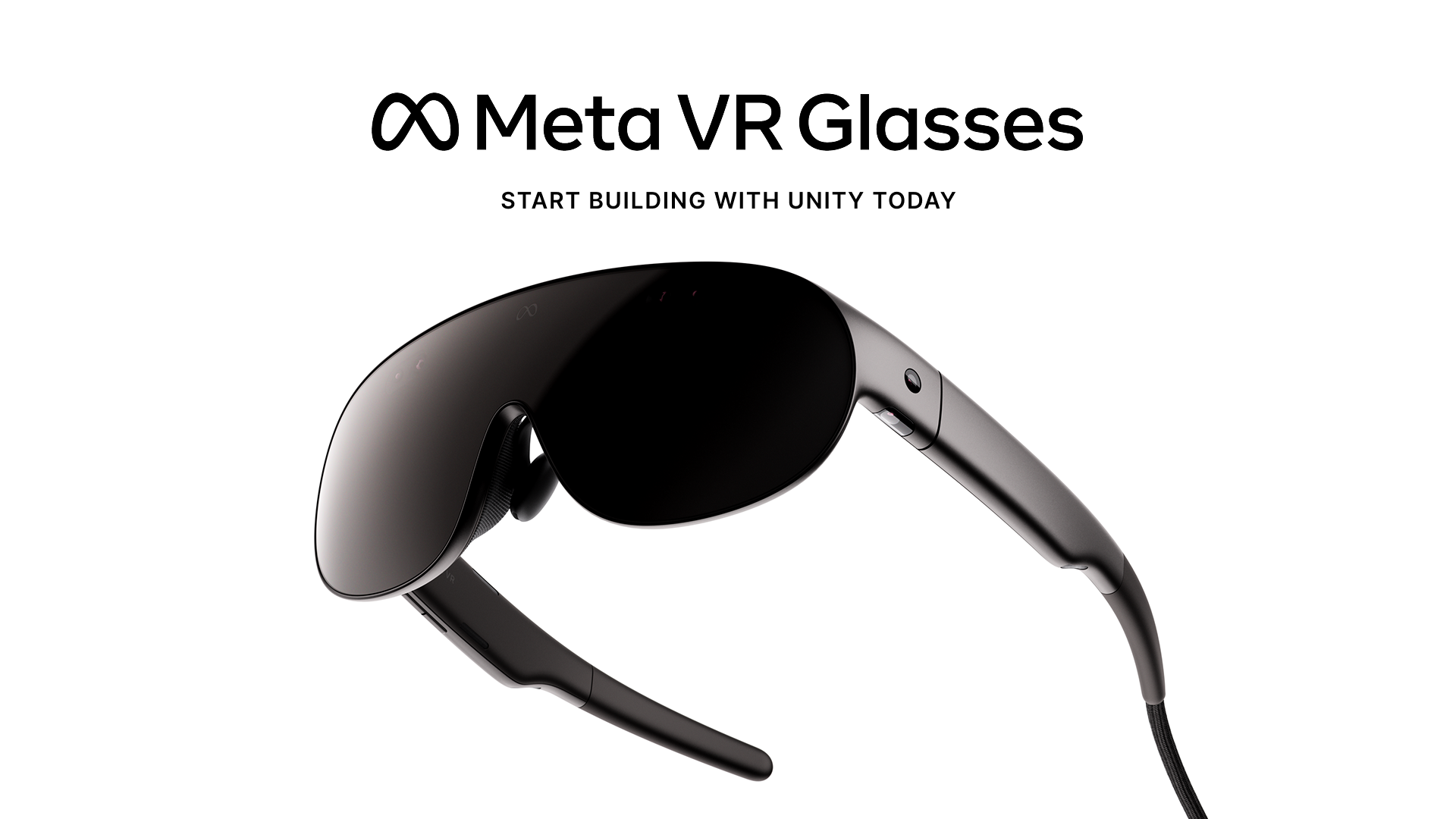
We are excited to share Unity’s day-one support for Meta VR Glasses, announced at Meta Connect 2026. VR Glasses are Meta’s lightest, most comfortable, and most capable VR device - designed for entertainment, productivity, and gaming to reach a broader audience than ever before.
Unity 6.6 supports VR Glasses development through OpenXR, so existing Quest projects carry forward with minimal changes. You can start designing, building, and testing your experiences on VR Glasses with familiar tools like XR Interaction (XRI) Toolkit, XR Hands, and XR Interaction Simulator before their retail launch in spring 2027.
Studios behind launch titles Cardmada™, Dragon Grove, Phoenix Wright™: Ace Attorney™ Dual Destinies VR, Dice Throne Digital, Supernatural, Two Point Hospital – Mixed Reality Edition, and Story of Seasons are already building for VR Glasses with Unity.
“Developing for Meta VR Glasses has been a smooth and straightforward experience. The workflow feels very familiar to Quest 3, allowing us to build on the tools and experience we already have,“ said Miguel Gonçalves, Lead Game Designer at Soul Assembly, who worked on Two Point Hospital – Mixed Reality Edition.
Direct hand interaction in Two Point Hospital on VR Glasses.
Let’s dive into what you need to bring your existing Quest projects forward or create something entirely new.
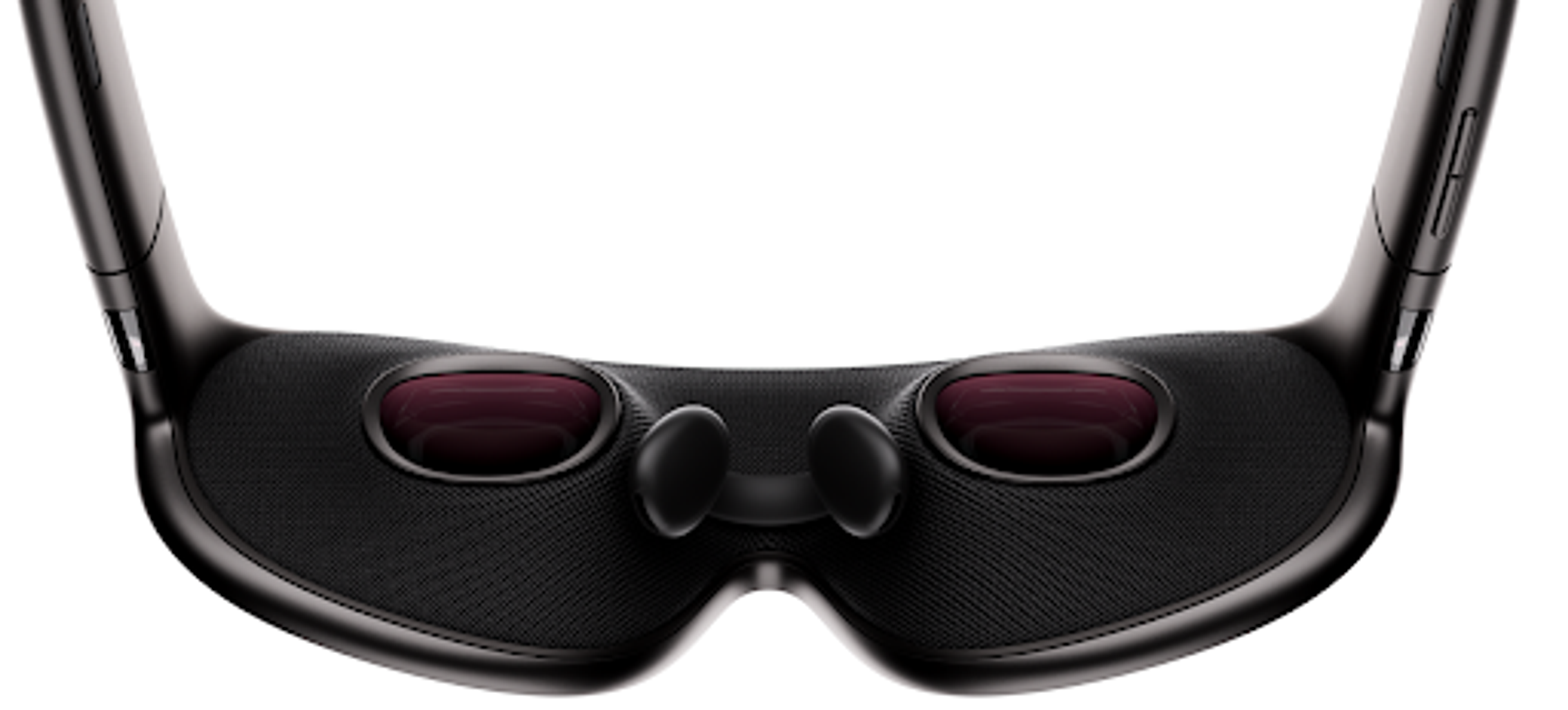
Close-up of VR Glasses.
What are Meta VR Glasses?
At about 100 grams, VR Glasses are Meta’s lightest and most comfortable VR device yet, enabling longer wear time. They feature a 5K Infinite Display with hand and eye input as the primary way to interact. And since they sit within the same Meta VR ecosystem you already know: same store, same OpenXR stack, your existing Quest apps can run on them from day one.
If you’re building for VR Glasses, we recommend reviewing your UI and interaction design to take full advantage of hand and eye input, while maintaining controller support for any titles that rely on it. Unity makes this verification easier through our XR Interaction Simulator, allowing you to test and validate inputs without a physical device.
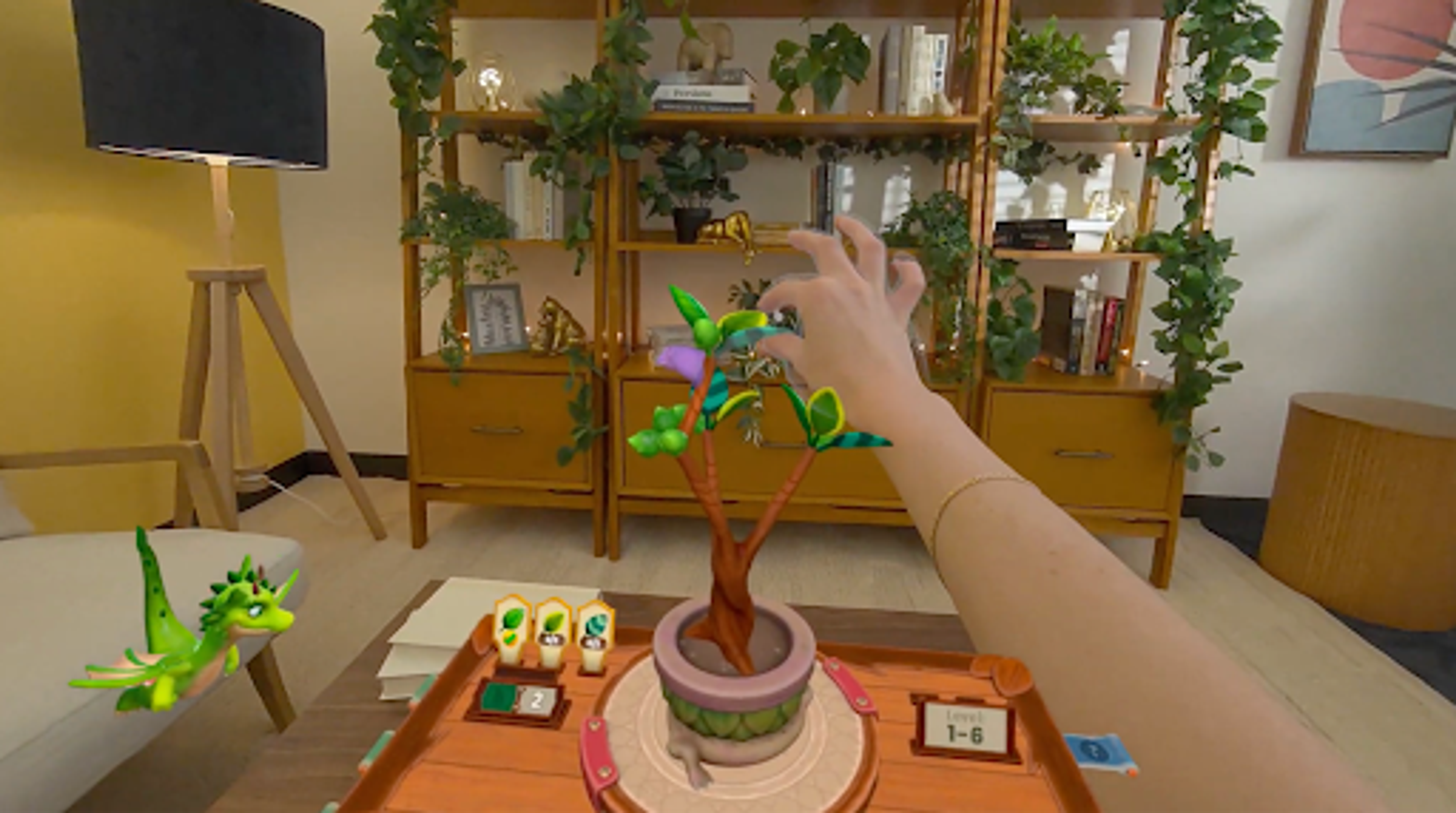
Hand and eye input in Dragon Grove on VR Glasses.
Your existing work carries forward
If you’re using Unity with OpenXR, your existing projects, assets, and code carry forward with minimal implementation required.
“Unity made our relaunch possible, allowing us to go from a fresh repo to an end-to-end playable Supernatural workout in under two months,” said James Senior, CEO of Supernatural. “We restored six Unity projects, ripping out legacy platform dependencies and simplifying the client for a new backend. Now we're pushing Unity's engine and tooling even further to build the best Supernatural yet for VR Glasses.”

Supernatural on VR Glasses.
“Leveraging OpenXR and Meta’s tools within Unity was seamless. This integration allowed us to minimize deployment friction so we could prioritize the player experience,” said Ryan Brolley, Technical Director of Schell Games, developer of Dragon Grove.
New capabilities to go deeper
Developers can unlock meaningful new experiences with three new capabilities on VR Glasses:
Eye Tracking ✅ – VR Glasses support foveated rendering and look and tap input. Eye tracking data can inform both visual quality and interaction design, enabling more responsive and immersive experiences.
Quad Views Rendering ✅ – Takes advantage of VR Glasses’ display architecture to render each eye’s periphery at lower resolution than the center, cutting GPU cost with no visible quality loss, giving developers more headroom for scene complexity.
Spatial Audio ✅ – Unity supports 7.1.4 surround sound enabling optimal Spatial Audio experiences for VR by providing 7.1 channels around the listener plus four height channels above them.
What you can build
Games – Get started with the VR Template or VR Multiplayer Template to create longer, more engaging play sessions enabled by the lighter design.
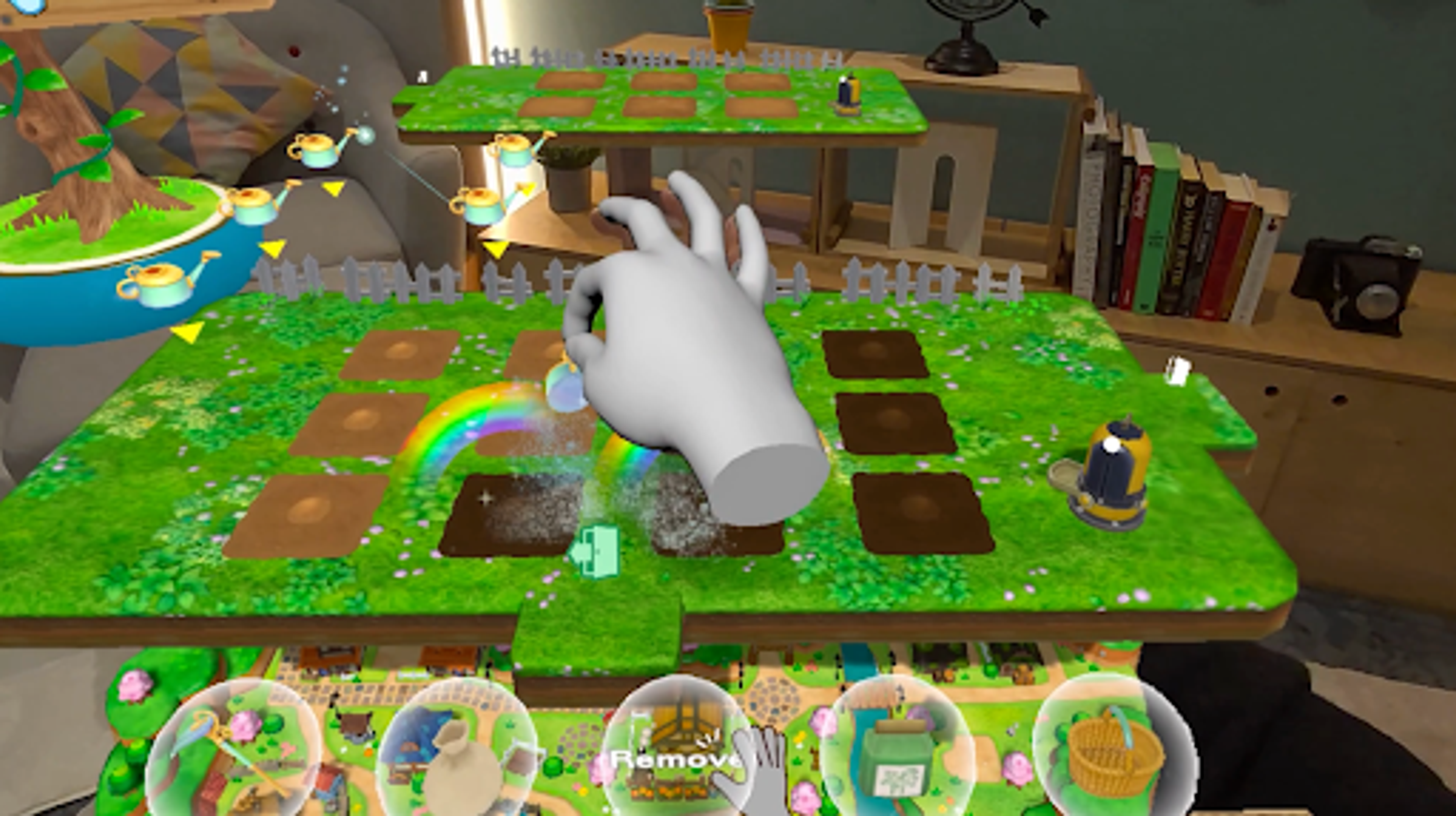
Story of Seasons on VR Glasses.
Entertainment and media – VR Glasses’ design provides new possibilities for extended enjoyment of video, social, and interactive content.
Productivity and enterprise – VR Glasses’ hand and eye input capabilities, and lighter hardware, make it ideal for training, simulation, and enterprise workflows.
What will you build?
Whether you’re an XR veteran or a mobile developer, the hand and eye input model and lightweight form factor open up experiences we haven’t yet seen. Bring your existing projects or start something completely new.
“Building Cardmada™ in Unity for Meta’s new device gave us the opportunity to rethink what a card game could feel like when the physical interface disappears. From the beginning, we designed around natural hand and eye interaction so players aren’t simply controlling the game – they’re reaching into the world, playing their cards, and commanding a pirate battle unfolding all around them,” said Alex Lieu, Founder and CCO of Cardmada™, creator of Animal Repair Shop.
Getting started
VR Glasses support requires Unity 6.6 or higher. If you’re on an earlier version, upgrade to 6.6 to access all supported tooling.
Once you’re on 6.6+, here’s what we recommend:
- Use the Meta Quest Build Profile as your starting point – VR Glasses share the same OpenXR foundation
- Use the latest version of our OpenXR: Meta package, version 2.6.1
- Install AR Foundation (6.6.2 or newer) and OpenXR Plugin (1.18.0 or newer)
- Install XR Interaction Toolkit and XR Hands (1.9.0 or newer) for hand and eye interactions
- Use the XR Interaction Simulator to test interactions before hardware arrives
- Review your UI and input design for hand and eye interactions, especially if your experience is controller-first
- Check out our updated Getting Started Guide and Sample Projects for VR Glasses-specific guidance
- Review our Meta XR documentation for deeper guidance on supported tools, workflows, and features
- Learn more about VR Glasses from Meta directly
See Meta VR Glasses in action
Join us live on October 1st at 9:00 AM PT for a deep dive into building for VR Glasses with Unity. We’ll be joined by AR Schleicher and Dilmer Valecillos from Meta for a product walkthrough, demos of eye tracking, microgestures, and quad views rendering, and a step-by-step guide to add support for VR Glasses with your existing Quest experience or start something new. Bring your questions for the live Q&A.
Join the discussion
We can’t wait to see what you build! Drop your questions and share your projects in our Discussions post. Remember to bookmark the Meta XR tag in Unity Discussions to stay updated, and look out for more deep-dive content coming soon, including a video tutorial and Learn course.